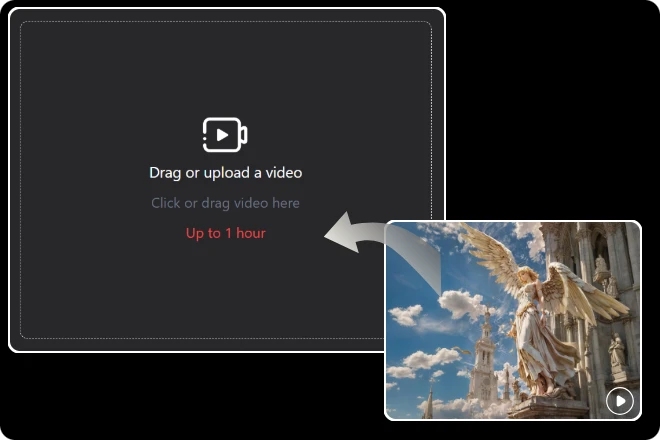
Step 1. Upload Your Video
Drag and drop your video into the upload box. The AI crop video tool works with most popular formats, so you can get started instantly.
Tired of awkward black bars stealing the spotlight? With our AI Crop Video tool, trimming your clips to the perfect frame is smarter, faster, and fun. Say goodbye to guesswork and hello to crisp, professional cuts—because your videos deserve the right fit, every time.
Crop Your Video Instantly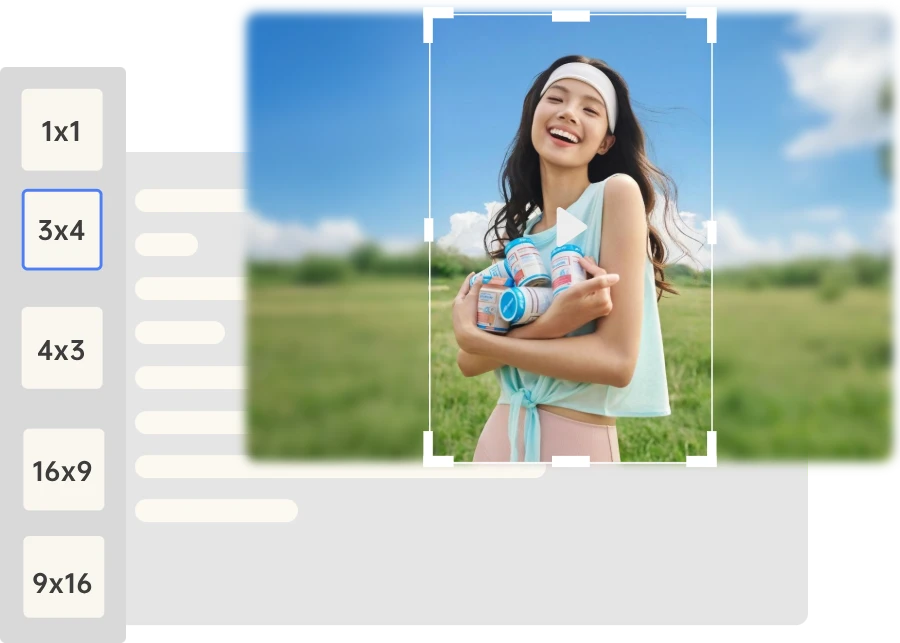
Getting started with AI crop video is simple—just follow these three quick steps to transform your footage into perfectly framed clips.
Drag and drop your video into the upload box. The AI crop video tool works with most popular formats, so you can get started instantly.
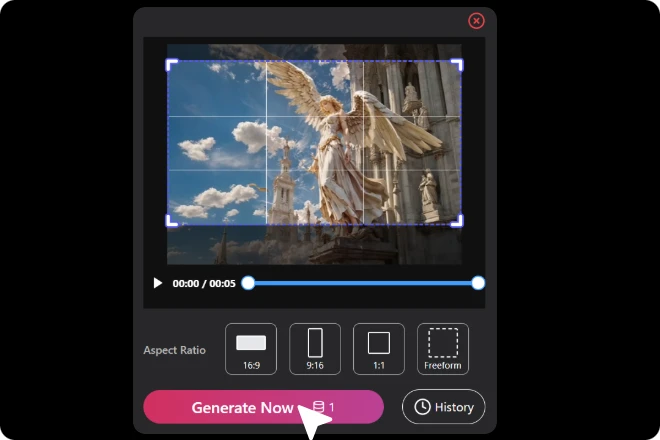
Select the aspect ratio you need—whether it’s for TikTok, YouTube, Instagram, or a custom size. Our AI automatically centers the subject for the perfect frame.
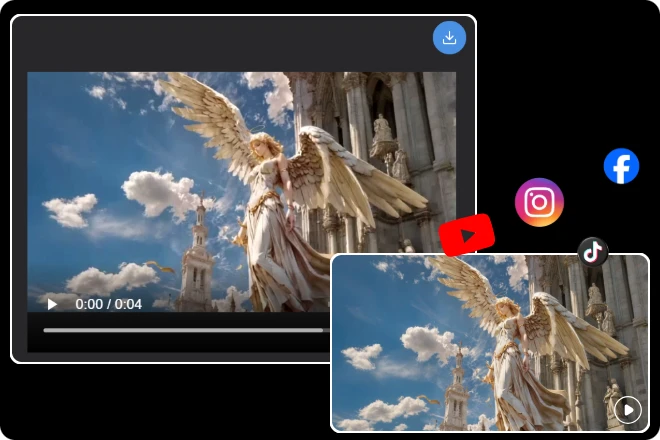
Click “Generate,” let the AI crop video work its magic, then download and share your polished, platform-ready clip.
Ever feel like your best moments get lost in messy frames? With AI crop video, you can trim distractions and spotlight what really matters. Whether it’s your smile, your product, or your pet’s goofy dance, our tool makes every clip look polished and platform-ready. Clean cuts, zero stress, all in just one click.
Crop Your Video Instantly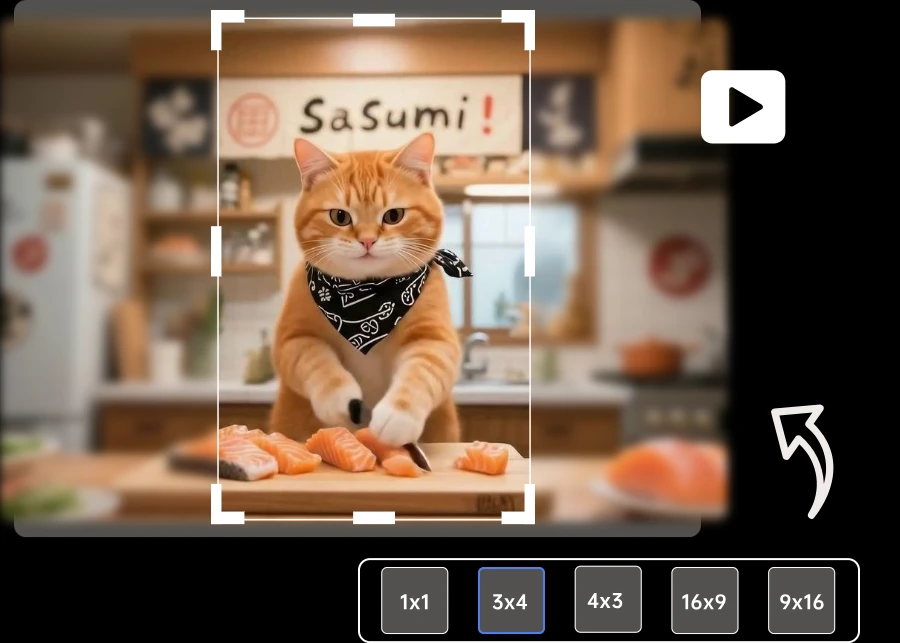
Not every scene was shot with TikTok or Instagram in mind—but that doesn’t mean your video can’t shine there. AI crop video adjusts aspect ratios for any platform, automatically framing the star of your footage. No awkward zooms, no lost details—just smooth, shareable clips that fit every screen perfectly.
Crop Your Video Instantly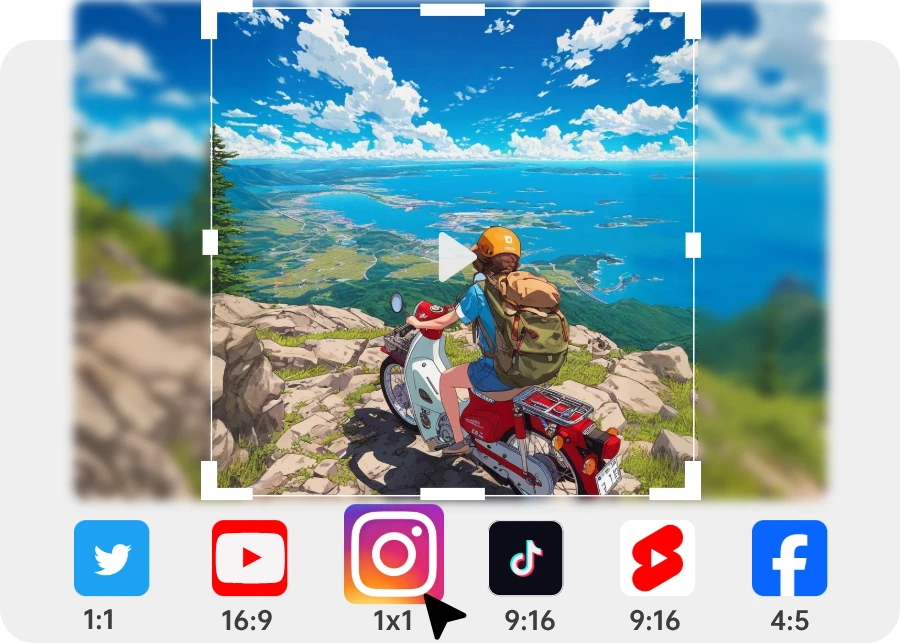
Your content deserves attention, not black bars or empty space. That’s where AI crop video steps in: it follows the action, centers the subject, and gives your audience the clearest view. Whether you’re repurposing old footage or prepping new content, it’s the fastest way to make every shot hit the mark.
Crop Your Video Instantly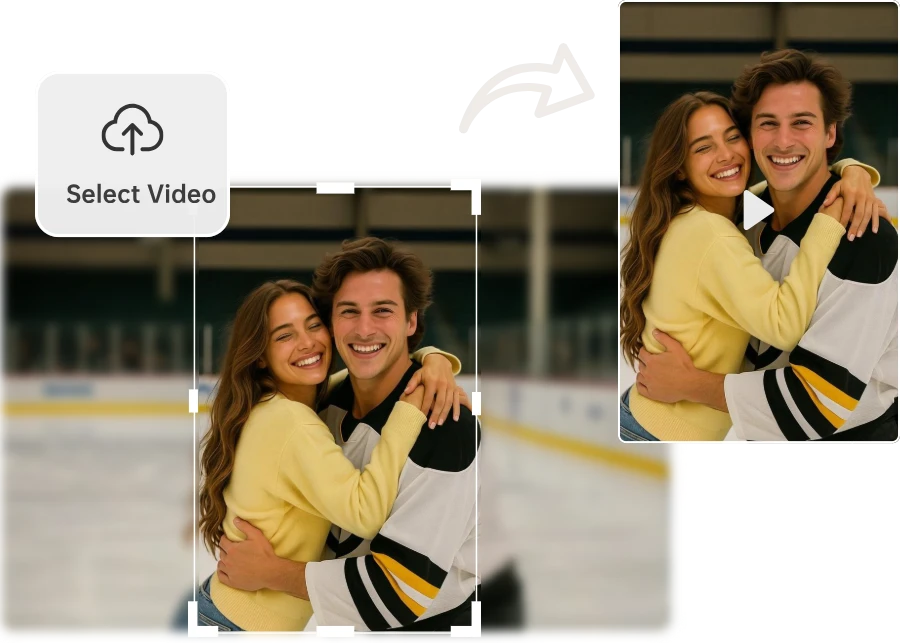
Our AI crop video tool automatically detects the subject and keeps it centered, so you never worry about shaky hands or messy frames.
Whether it’s TikTok, YouTube, or Instagram, select your platform’s ratio and get perfectly cropped videos tailored for maximum reach.
Unlike manual tools that blur details, our AI crop video ensures every frame stays crisp and clear, even after multiple edits.
Forget cropped heads or missing action. The AI crop video tool tracks movement, keeping the spotlight exactly where it belongs.
Turn wide landscape videos into vertical shorts. Breathe new life into old clips by reframing them for today’s social platforms.
Want more control? Fine-tune your crop manually while still enjoying AI assistance for the best of both worlds.
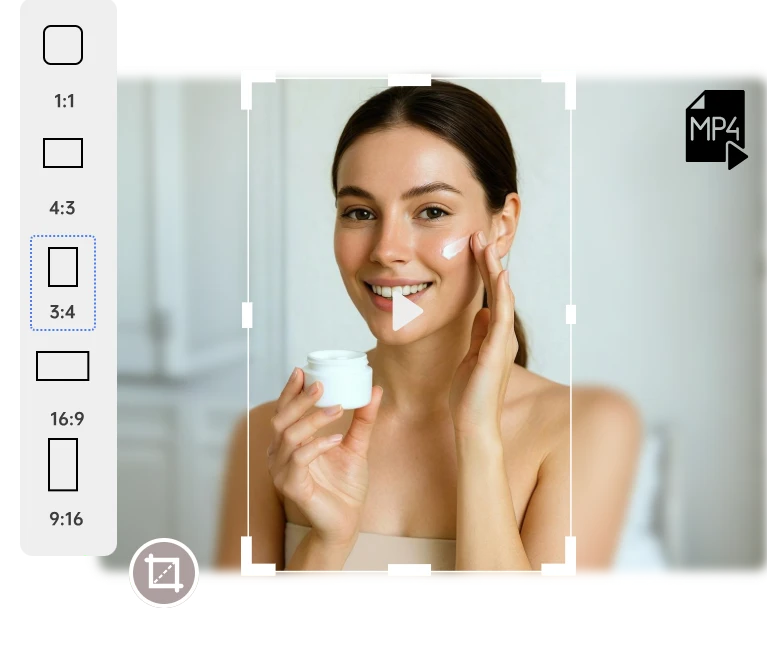
From social sharing to pro editing, here are the moments when AI crop video makes life easier.
Creators and marketers alike love how AI crop video makes editing fast, precise, and effortless.
Transforming my wide YouTube footage into vertical format was always frustrating. With AI crop video, the tool automatically adjusts the frame, keeps the action in focus, and maintains full quality—editing has never been this easy.
 Ethan Brooks
Black bars and awkward cuts used to ruin my clips. With AI crop video, every shot stays perfectly in frame, no matter the movement or angle. It makes creating social media-ready content effortless, fast, and high-quality every single time.
 Oliver Grant
Managing multiple client ads is hectic, but AI crop video made it simple. I can crop the same video into different aspect ratios in minutes, keeping the key message and visuals intact. It’s a total time-saver for my workflow.
 Jasmine Chen
Simply upload your video, choose the desired aspect ratio (16:9, 9:16, 1:1, etc.), and click “Crop.” The AI will automatically detect key elements and crop your video.
No. Our AI crop video tool maintains the original resolution, ensuring your output remains sharp and professional.
Yes. Before downloading, click “Preview” to see the cropped result and make sure it fits your needs.
Yes. After AI cropping, you can fine-tune the crop box’s position and size to get the perfect frame.
File size depends on the original video’s resolution and length. Cropping generally does not significantly increase file size.
The AI analyzes your video, identifies the main subjects or actions, and automatically adjusts the crop frame to highlight them.

ImageMover.ai
Turn every clip into a perfectly framed, ready-to-share video. With AI crop video, effortless editing meets professional results—making your content shine every time.
Crop Your Video Instantly