
Step 1.Upload Your Image
Start by uploading any photo you want to edit. Whether it’s a portrait, product image, or creative visual, the process begins instantly with a simple upload.
Meet your playful yet powerful AI image editor — edit, enhance, and transform images with prompt-based magic. Professional results, zero hassle, endless creativity.
Edit Smarter with AI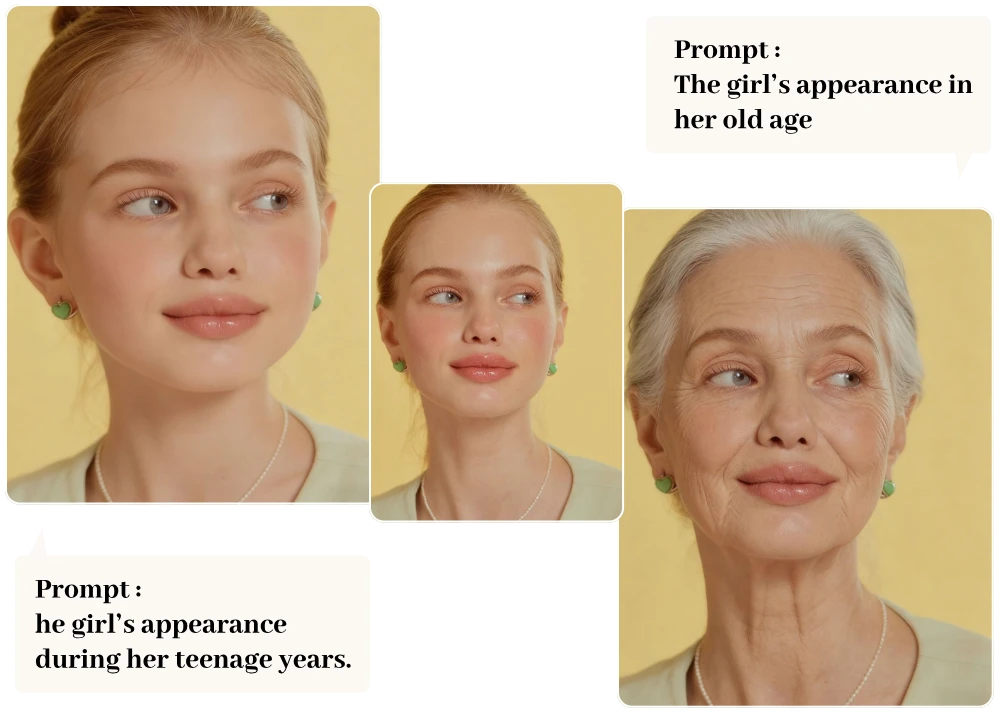
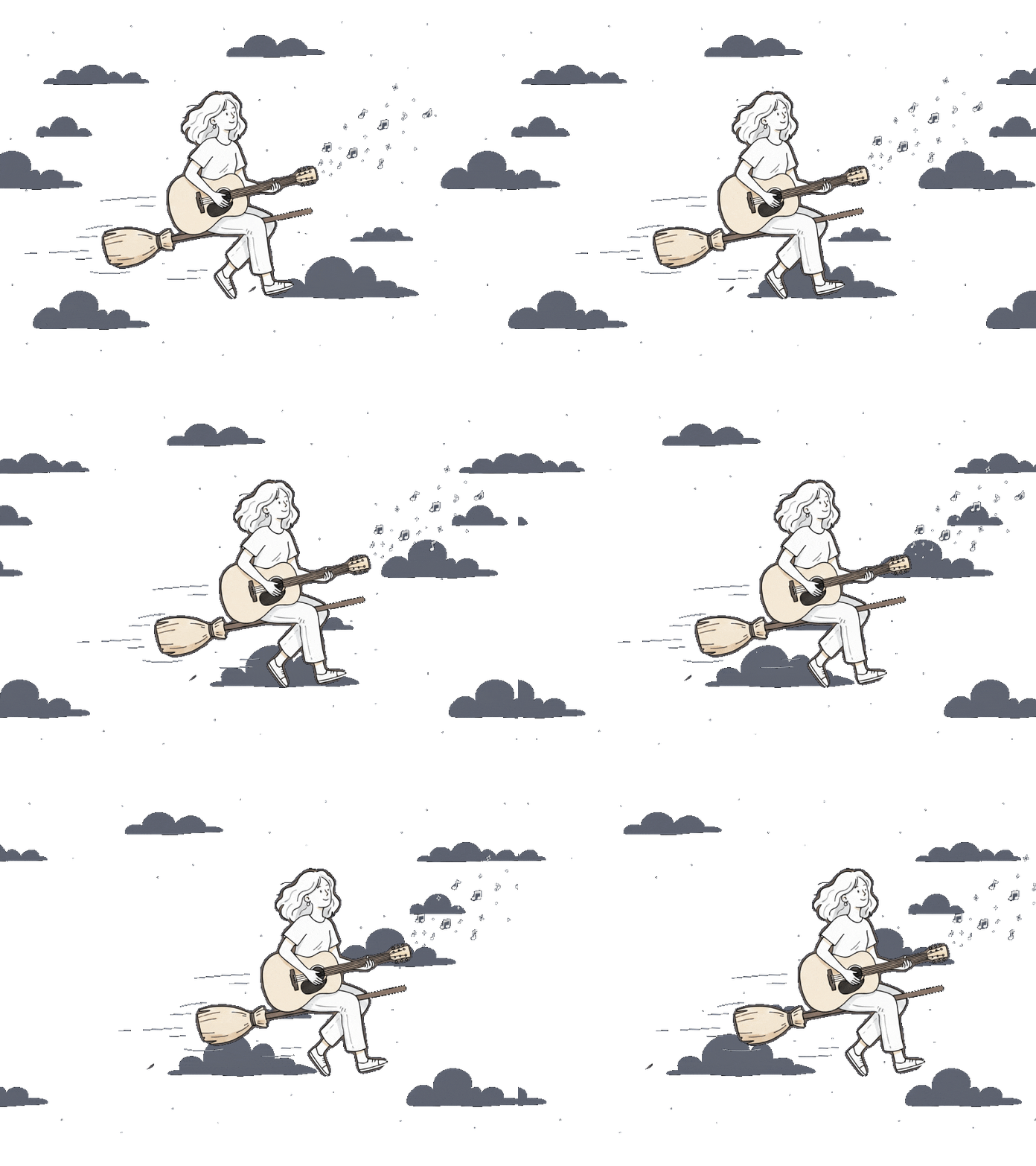
With our AI image editor, simply upload your image, describe your idea with a prompt, and let AI deliver stunning results in seconds.
Start by uploading any photo you want to edit. Whether it’s a portrait, product image, or creative visual, the process begins instantly with a simple upload.
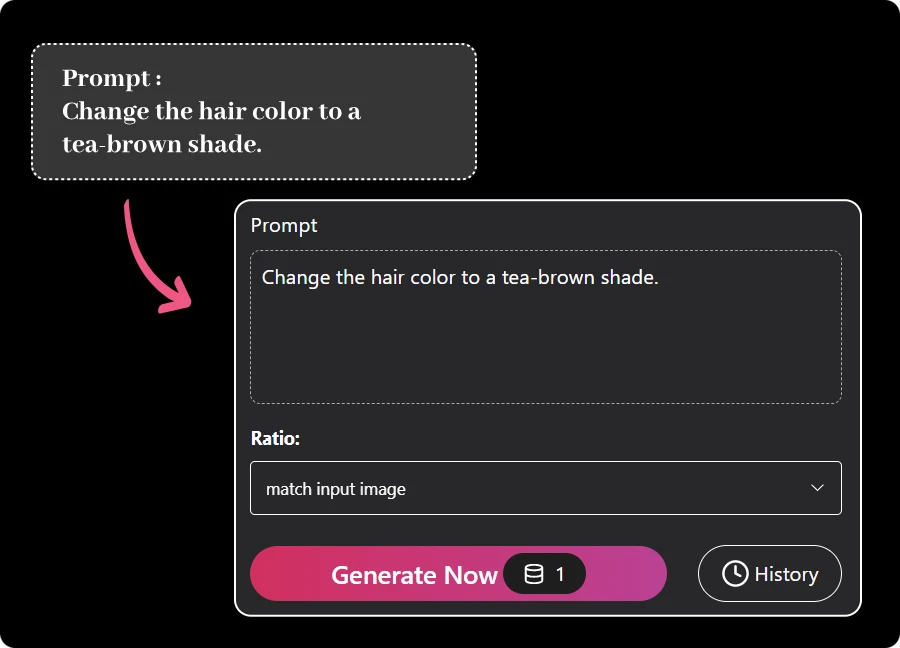
Choose your preferred AI model, set the image size, and describe what you want to create. The AI generates your edited image based on your prompt with precision and flexibility.
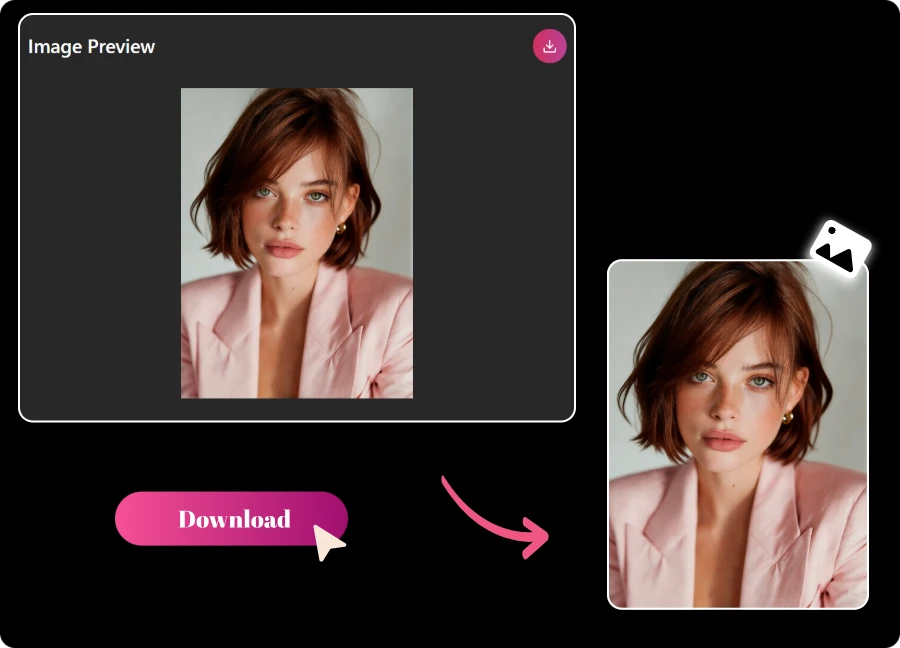
Once your image is ready, download it in high quality or share it directly. Use your results across social media, marketing, or creative projects with ease.
Tired of endless sliders and tiny buttons? Just talk to your ai image editor. Upload an image, type what you want, and watch the AI with prompt handle the heavy lifting. It’s playful, intuitive, and surprisingly precise — like chatting your way to a perfect edit.
Edit Smarter with AI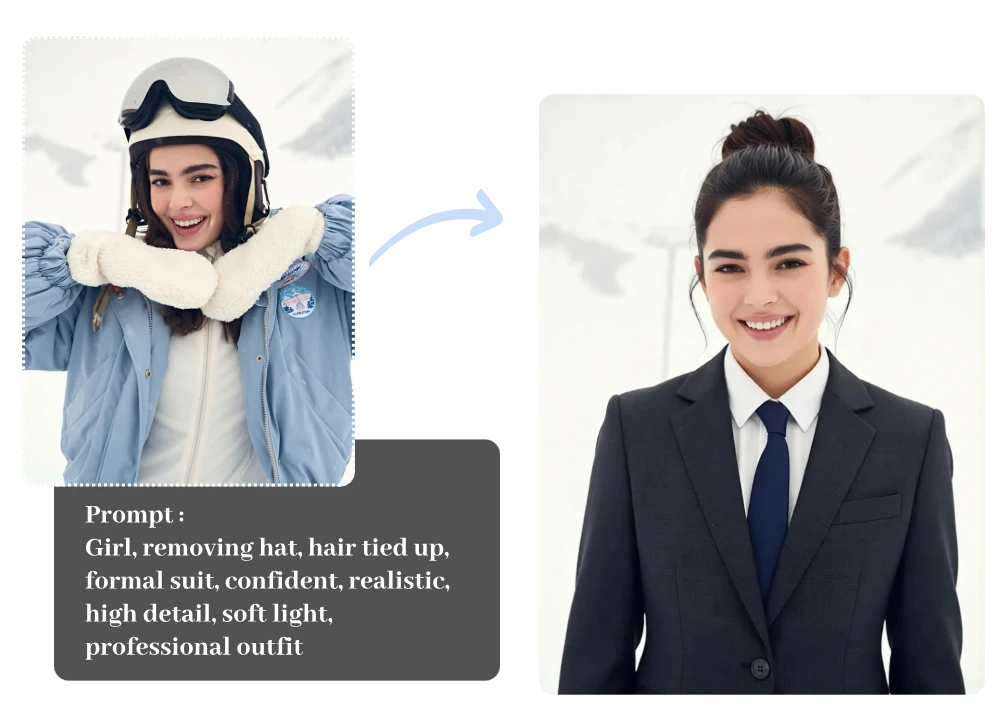
Got an idea but not the tools? Let your imagination lead. With our free ai image editor, a single prompt can remove objects, change styles, or enhance details effortlessly. Powered by AI with prompt, creativity feels lighter, faster, and way more fun than traditional editing.
Edit Smarter with AI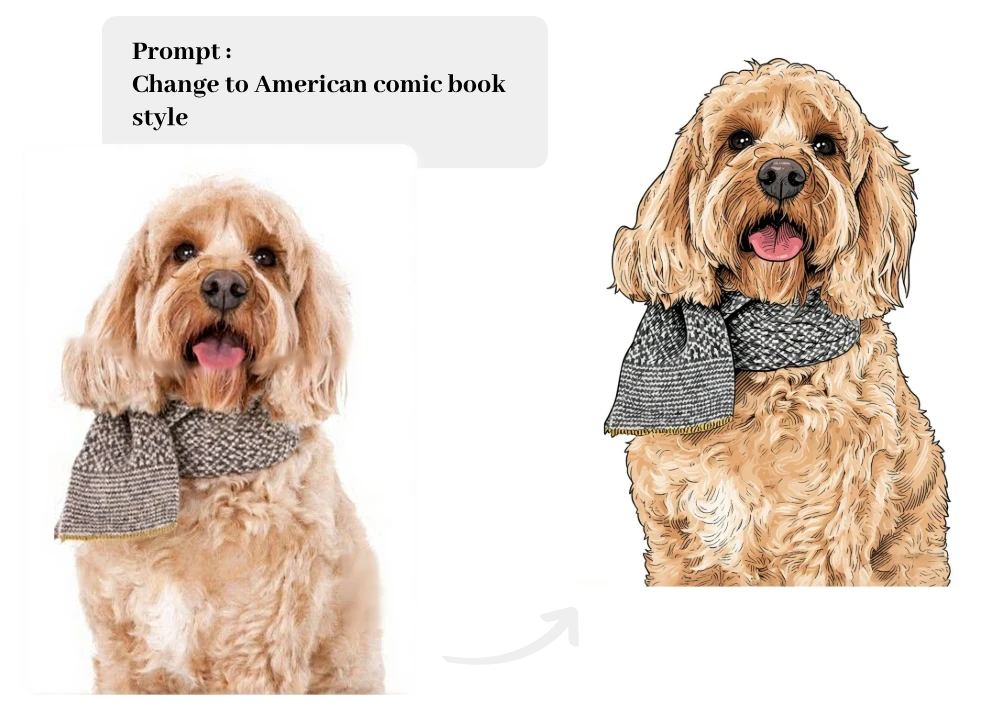
No manuals, no tutorials, no stress. This tool is built to work instantly, whether you’re a designer or a total beginner. As a free ai image editor, it delivers clean, high-quality edits that look polished, intentional, and ready to use in seconds.
Edit Smarter with AI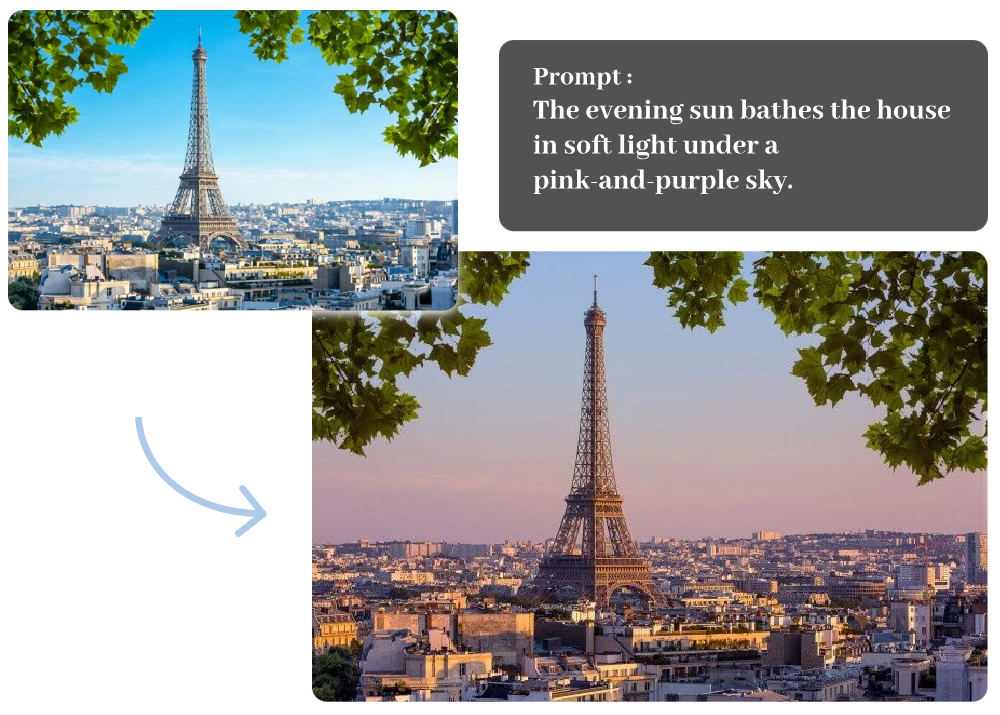
Whether it’s your first edit or your hundredth, prompt-based editing removes the learning curve while still delivering results that meet professional standards.
This isn’t guesswork. The system understands objects, lighting, and composition, so changes blend naturally into your image instead of looking artificial or overprocessed.
Speed matters. The image editor ai processes edits in seconds, helping you iterate faster, test ideas instantly, and move from concept to finished image without breaking your creative flow.
Edits shouldn’t feel “AI-made.” Texture, lighting, and fine details are preserved, producing images that feel natural, cohesive, and ready for real-world use.
No rigid presets, no locked styles. As a flexible ai image editor, it encourages experimentation — letting you refine, redo, and explore ideas without pressure or extra cost.
Forget complex panels and endless adjustments. Simply describe your vision in plain language and watch it turn into precise edits that feel intuitive, fast, and surprisingly accurate.
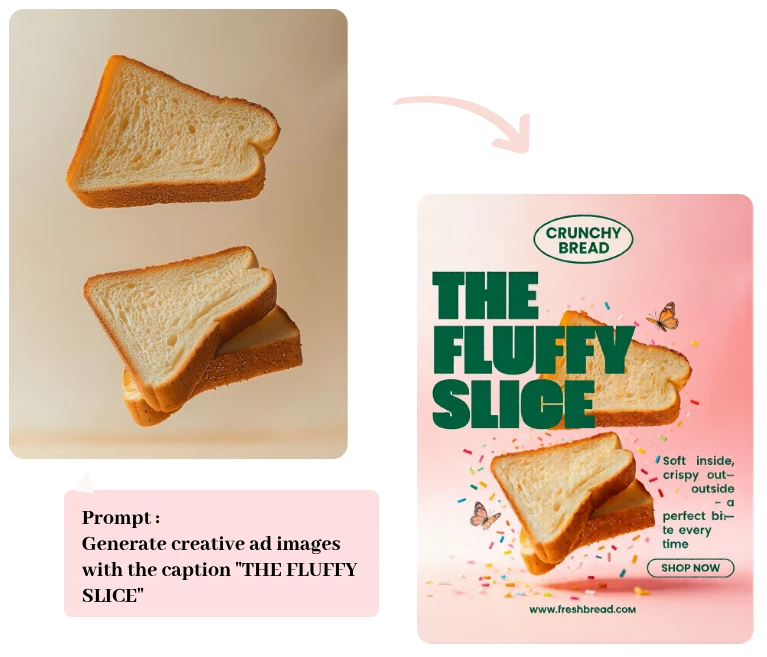
Designed for flexibility, this free AI image editor supports a wide range of real-world editing scenarios.
I’m not a designer, but this tool makes my product photos look clean and professional. I just describe what I want, and the results are spot-on every time.
 Aiko Tanaka
What impressed me most is speed. With this image editor AI, edits that used to take 15 minutes now take under a minute — without sacrificing quality.
 Carlos Mendez
This AI image editor helped me clean up profile photos and brand visuals effortlessly. The prompt-based editing feels natural, almost like explaining ideas to a real editor.
 David Chen
It’s an AI-powered image editing tool where you upload any photo and describe edits with natural language — the AI interprets your prompt and makes smart changes.
Processing usually takes around 2–3 minutes, depending on image size, complexity, and server load.
Yes — all outputs from the AI Image Editor come with full commercial rights for use in marketing, e-commerce, and promotional content.
It supports background removal, object edits, style adjustments, and professional enhancements to help you refine photos for any purpose.
You agree not to upload or generate unlawful or prohibited content — this includes adult and other age-restricted materials under the service terms.
It supports common formats like JPG, PNG, and WebP for upload and export, covering most standard photo needs.
We respect privacy and use strict data protection measures; personal images and data are processed only as needed, following our privacy policy.
ImageMover.ai
From quick fixes to creative transformations, bring your vision to life with smooth, intuitive editing that works as fast as your imagination.
Edit Smarter with AI