Animate Your Photos with Twerk AI
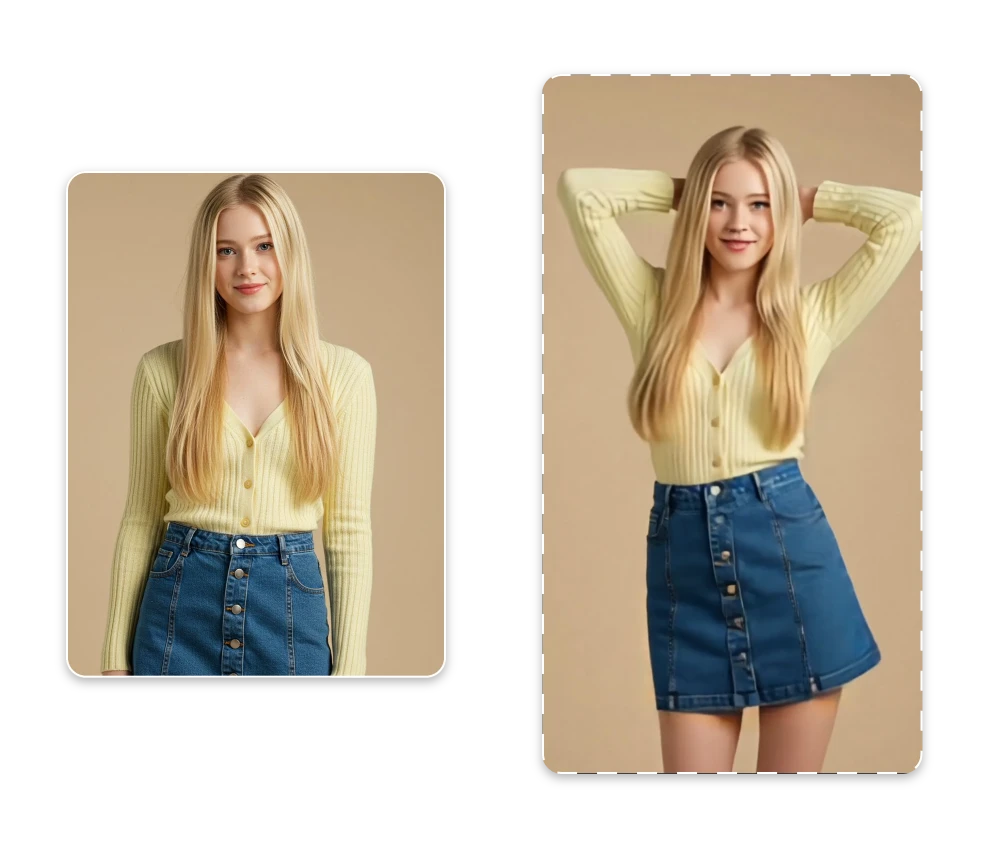
Give a still image a playful new move with our AI twerk generator. Turn a suitable photo into a short AI twerk video for memes, social posts, character experiments, or simply a laugh with friends.
How to Use the AI Twerk Generator
Turn a suitable photo into an AI twerk video in three simple steps. No video editing experience is required.

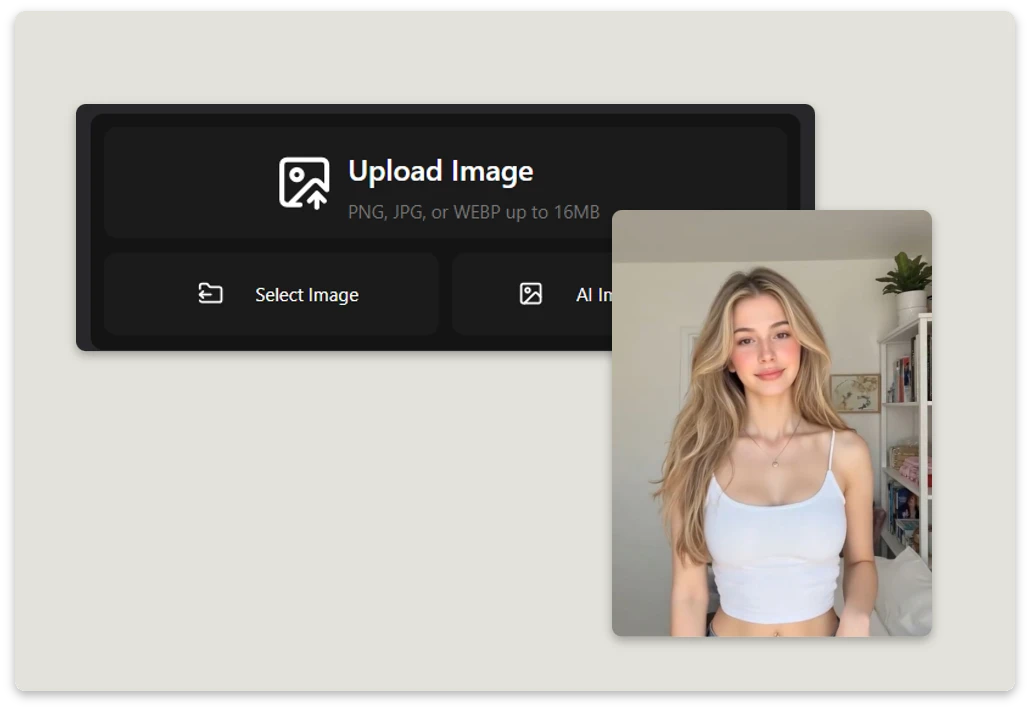
Step 1. Upload a Full-Body Photo
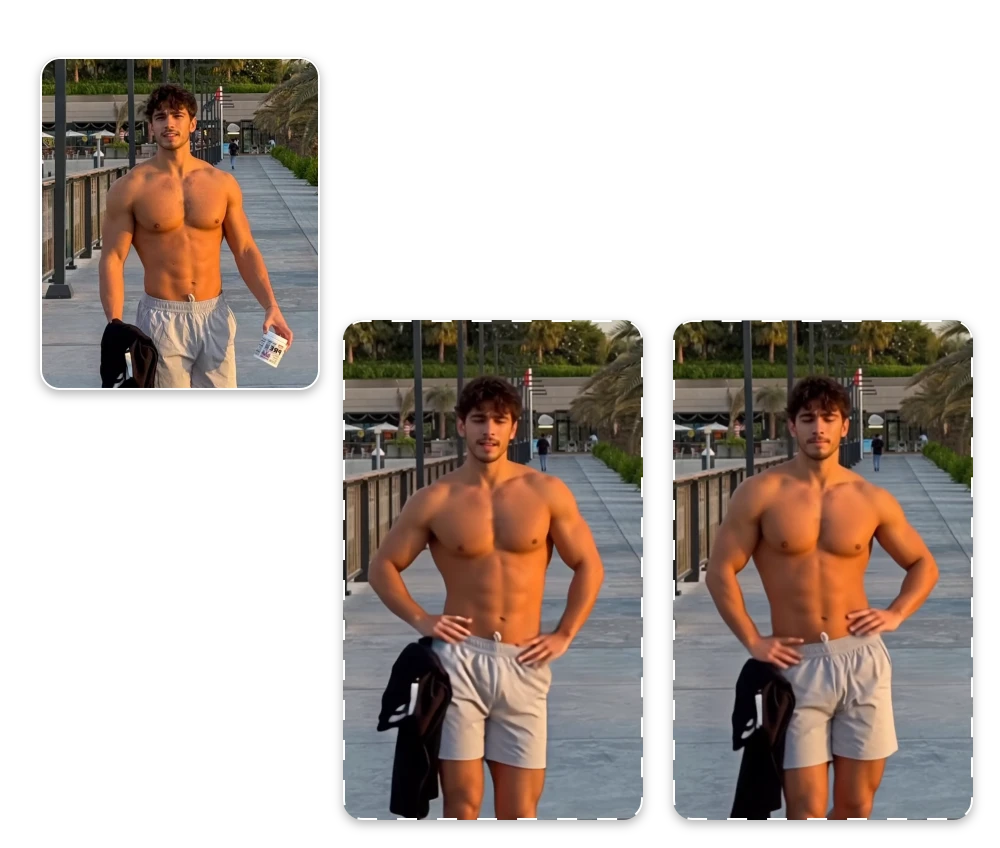
Choose a clear, well-framed photo of one person or a group. Full-body images with good lighting and minimal obstruction usually give the AI twerk generator more visual information to work with.

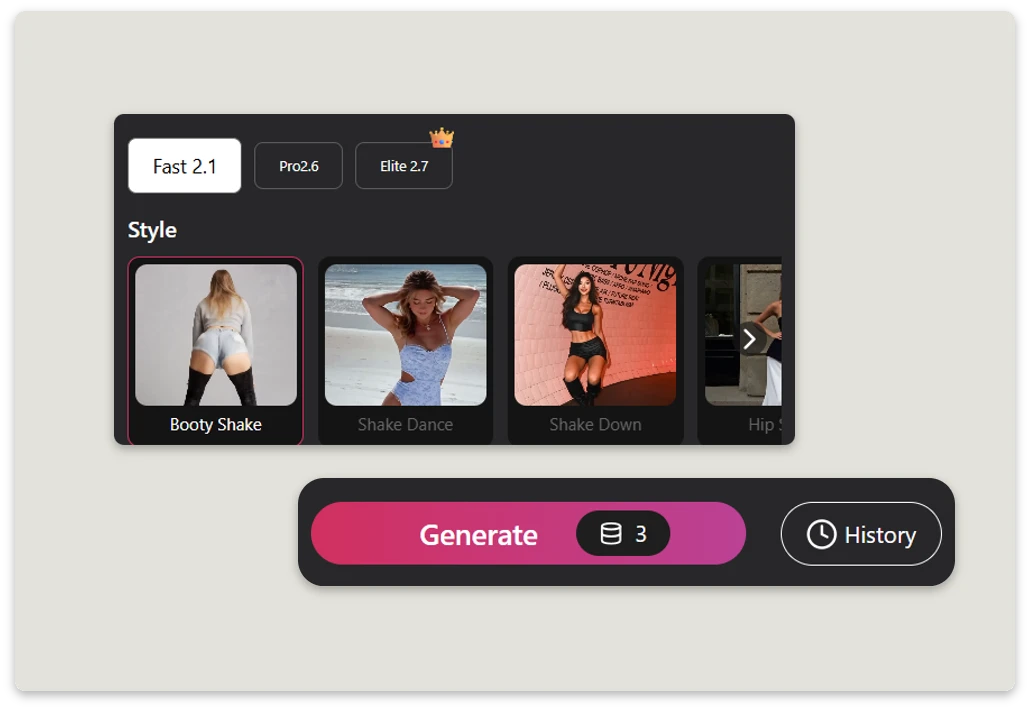
Step 2. Generate and Preview
Upload your image and let the twerk AI video generator create the animation. The tool turns your photo into a short twerk video without requiring manual editing. Once it’s ready, preview the result and make sure you’re happy with the motion.

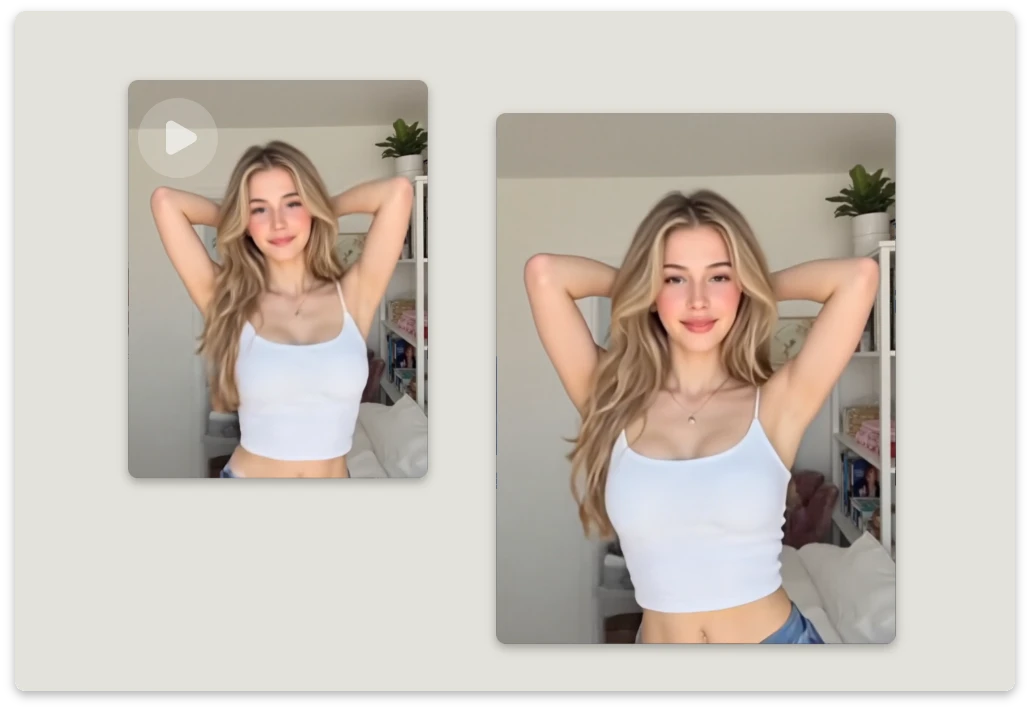
Step 3. Download and Share
Download your finished video in HD without a watermark, then share it on social media, messaging apps, or wherever you want. That’s all it takes to go from photo to twerk.
Key Benefits of Our Free AI Twerk Generator
HD Video Output
Create clear, high-definition AI twerk videos with smooth movement and sharp details, ready to share on social media and other platforms.
Easy Photo Animation
Turn a photo into a short twerk video in just a few simple steps. Upload your image, start the generation, and let twerk AI create the animation.
No-Watermark Downloads
Download your finished AI twerk videos in HD without watermarks for a clean, polished result that’s ready to share.
Made for Social Media
Create fun, eye-catching videos for memes, social posts, short-form content, and other creative projects.
Explore Twerk & Shake Styles
Try different motion styles to see how your photo can move. Choose from Body Shake, Shake Dance, Shake Down, and Hip Shake to create different looks from the same type of image.
Body Shake
Add energetic full-body movement to your photo with Body Shake AI.
Shake Dance
Give your image a fun, rhythmic dance motion.
Shake Down
Try a playful lower-body movement for a different look.
Hip Shake
Add simple, rhythmic hip movement to your photo.
Creative Ways to Use Twerking AI

Turn Everyday Photos into Funny Clips
Have an old group photo or a picture you want to make more playful? Use AI twerk to turn a suitable photo into a short twerk video. It’s an easy way to give an ordinary image a funny new twist.
Make Memes and Shareable Short Videos
Have a funny image that could use a little movement? Try a twerking AI effect to add movement to memes, social posts, or just a funny clip to share with friends. Upload an image and see what you can create.


Animate Characters and Avatars
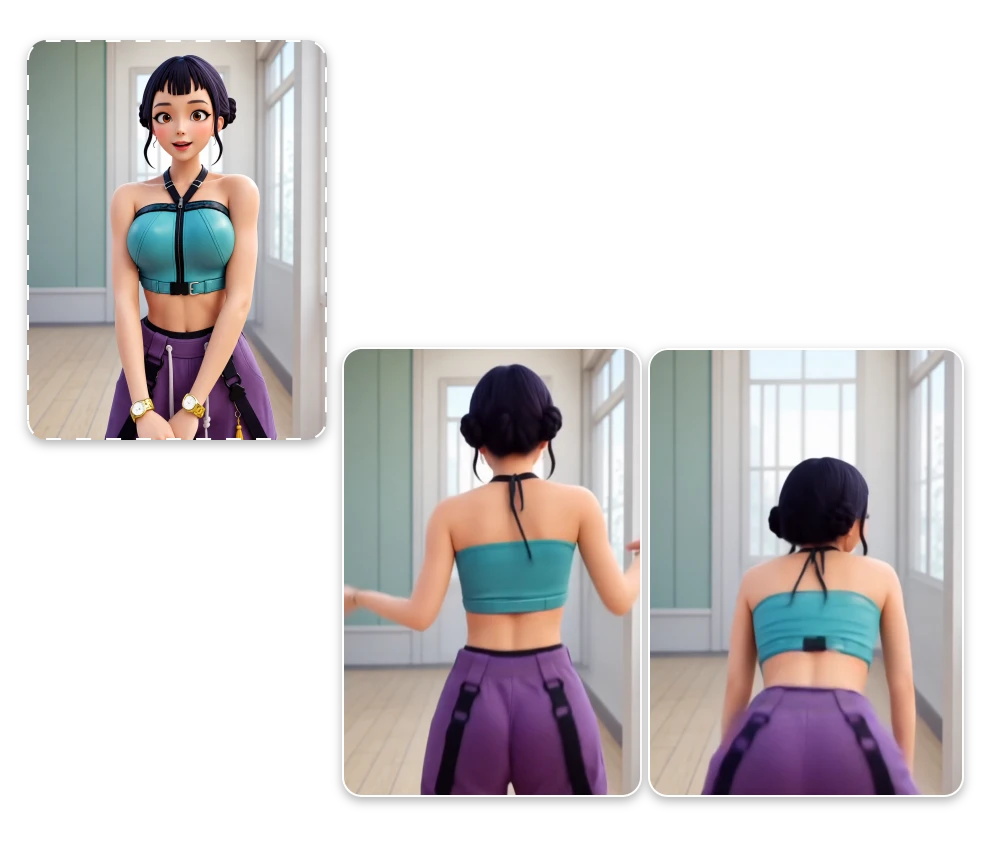
Give a character, avatar, or illustration a little more personality. Upload a suitable image and use twerk AI to turn it into a playful short video for character content, memes, or creative experiments.
Turn a Group Photo into a Fun Twerk Video
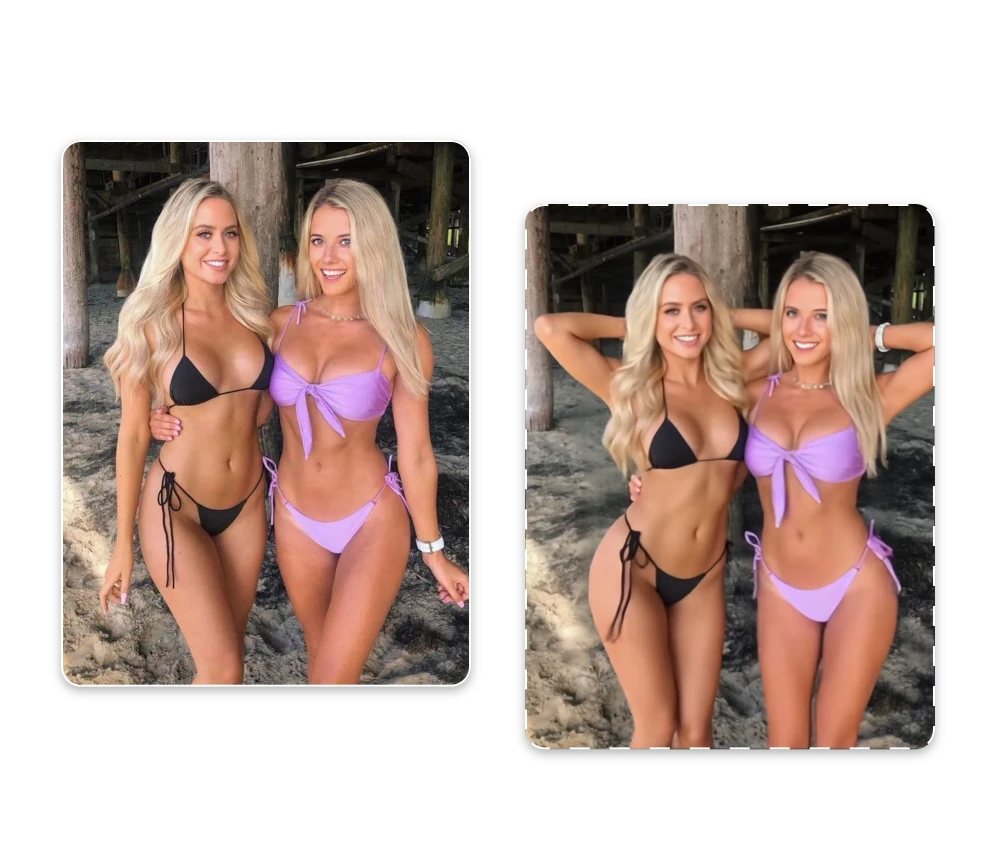
Have a group photo that could use a little more energy? Upload a clear group image and use photo to twerk AI to turn the still picture into a playful short video. It’s a simple way to add movement to party photos, friend group shots, or funny social posts.

What Users Say About Our Free AI Twerk Video Generator
See how people are using the AI twerk generator to turn everyday photos into fun, unexpected videos.
I never thought my old family photos could be this fun! I used one of our group pictures to make a twerk video, and everyone loved it. Definitely worth trying for a good laugh!
Rachel P.
Content Creator
Who knew my dog’s photo could be turned into a dancing twerk video? I tried it just for fun, and the result had all my friends laughing. Such a fun way to experiment with a photo.
David R.
Social Media Creator
I uploaded a vacation photo and turned it into a fun twerk video. It gave an old memory a hilarious twist, and the whole process was really easy.
Emma K.
Digital Creator
Frequently Asked Questions About AI Twerk

What is AI Twerk?
AI Twerk is a way to turn a suitable still image into a short video with AI-generated movement. It can be used with photos, characters, avatars, and other suitable visual content.
How Do I Make a Photo Twerk With AI?
Upload a clear photo, preferably showing the subject from head to toe, then start the twerk animation. For more consistent results, choose an image with good lighting, a clear subject, and minimal obstruction.
Can I Turn an Image Into a Twerk Video?
Yes. Image to twerk AI can add movement to a suitable photo and turn it into a short video. Full-body images with a clear view of the subject generally provide a better starting point.
Is the AI Twerk Tool Free to Use?
ImageMover offers an AI twerk generator free to try with available usage points. Free users can use the feature with those points and export HD videos without watermarks.
What Kind of Photo Works Best for AI Twerk?
A sharp, well-lit full-body photo is usually a good choice. Avoid heavily cropped images, busy backgrounds, or objects covering important parts of the subject.
Do I Need Video Editing Experience?
No. You don’t need professional editing skills. Upload your image, generate the animation, preview the result, and download the finished video.
Can I Use the AI Twerk Video Generator for Pets or Virtual Characters?
Suitable pet photos, illustrations, avatars, and virtual characters can be used for creative experiments, although results may vary depending on the image.
Can I Use a Group Photo for a Twerk Video?
Yes. Group photos can work, but results may vary depending on how closely the subjects are positioned. For better results, choose an image where each person is clearly visible.
Is Twerking AI Safe to Use?
Yes. ImageMover’s twerking AI is designed with user privacy and security in mind. Uploaded files are automatically deleted after 24 hours, helping keep your images and generated videos from being stored indefinitely.
Can I Download the Twerking AI Video Without a Watermark?
Yes. Videos generated with ImageMover can be downloaded in HD without a watermark, giving you a clean result that’s ready to share.

ImageMover.ai
Ready to Turn Your Photo into a Twerk Video?
WhyGive a still image a playful new move with the AI twerk generator. Use twerking AI to add movement and turn your image into a fun short video. Make a photo twerk, try AI image to twerk video, or experiment with different characters and visual ideas.
Upload an image and see where the motion takes it.