#1 AI Unblur Image Tool Online
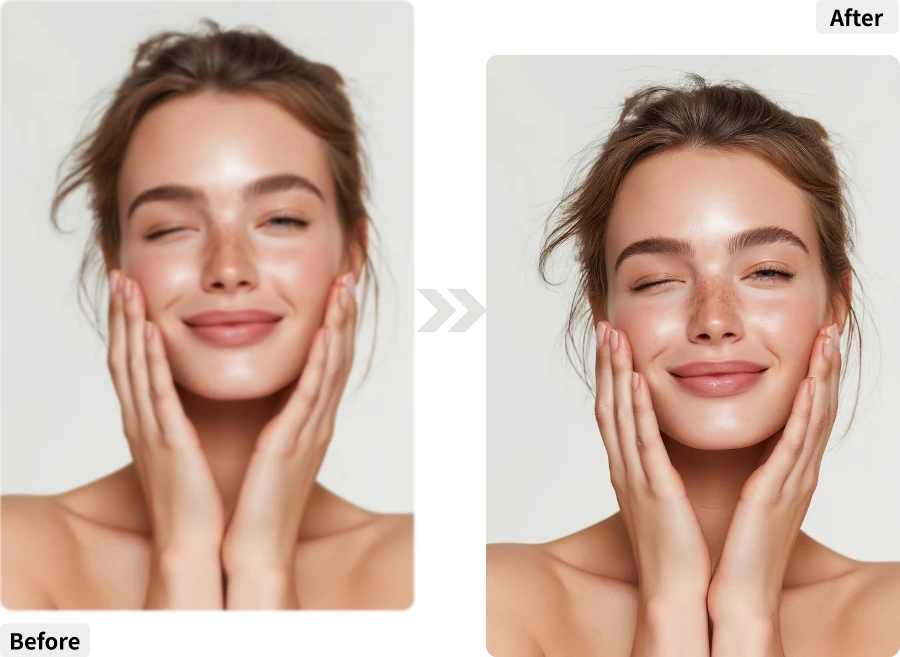
Blurry photos are like mystery novels—fun to guess, but better with a clear ending. With our AI Unblur Image tool, you can turn fuzzy shots into crisp, professional-quality images in seconds.
From Fuzzy to Fabulous in 3 Easy Clicks
Getting started with our AI Unblur Image tool is quick and easy—just follow these three simple steps to bring your photos back into sharp focus.
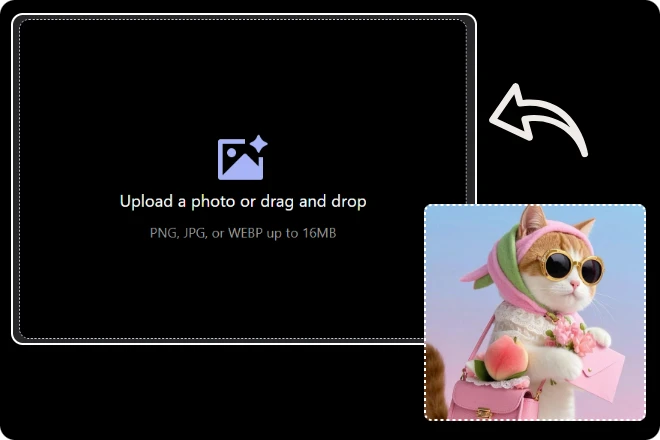
Step 1. Upload Blurry Image
Select and upload the photo you want to unblur. It can be a selfie, a travel shot, or an old memory that’s lost its sharpness.
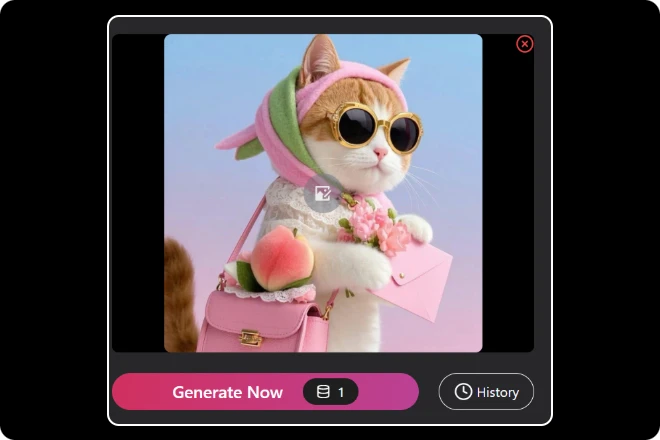
Step 2. Click “Generate”
Let our AI Unblur Image tool work its magic, restoring details and bringing your photo back into focus within seconds.
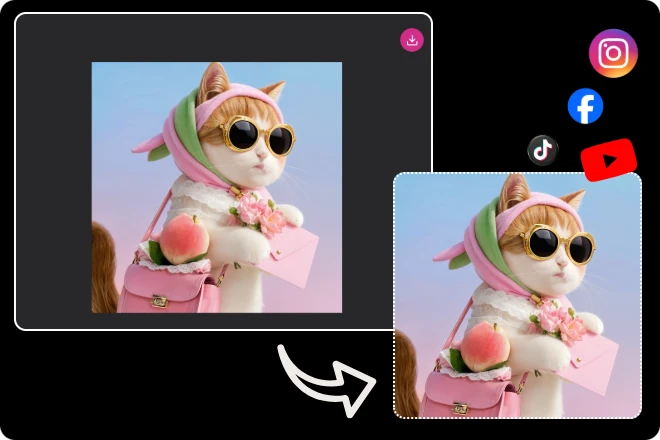
Step 3. Download and Share
Save your newly sharpened image to your device and share it anywhere—social media, albums, or with friends and family.
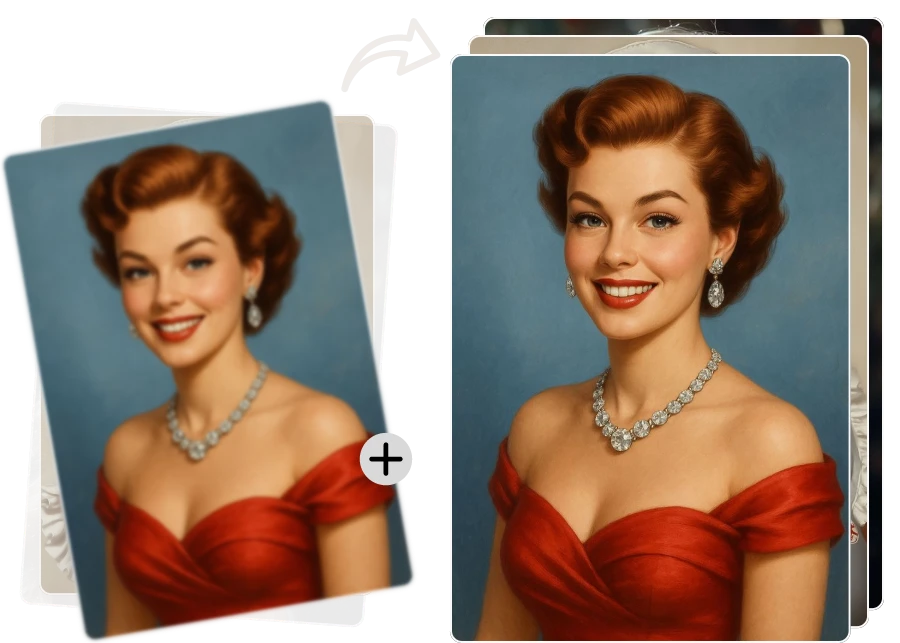
Sharp Memories, Zero Effort
Some photos deserve a second chance at glory. With our AI Unblur Image tool, you can rescue your favorite moments from the curse of motion blur and bad focus. Whether it’s a candid smile, a precious pet, or that perfect travel shot gone fuzzy, AI brings back the details so you can relive them crystal clear. No Photoshop skills required—just a click and your memories shine again.
From Pixel Soup to Picture Perfect
We’ve all been there—snapping the perfect shot, only to find it looks like it was taken underwater. Our AI Unblur Image tool works like magic to clear away the fuzz, restoring edges, textures, and tiny details you thought were gone for good. Ideal for fixing old family photos, upgrading social media posts, or making sure your work images look professional. One upload, and it’s goodbye blur.
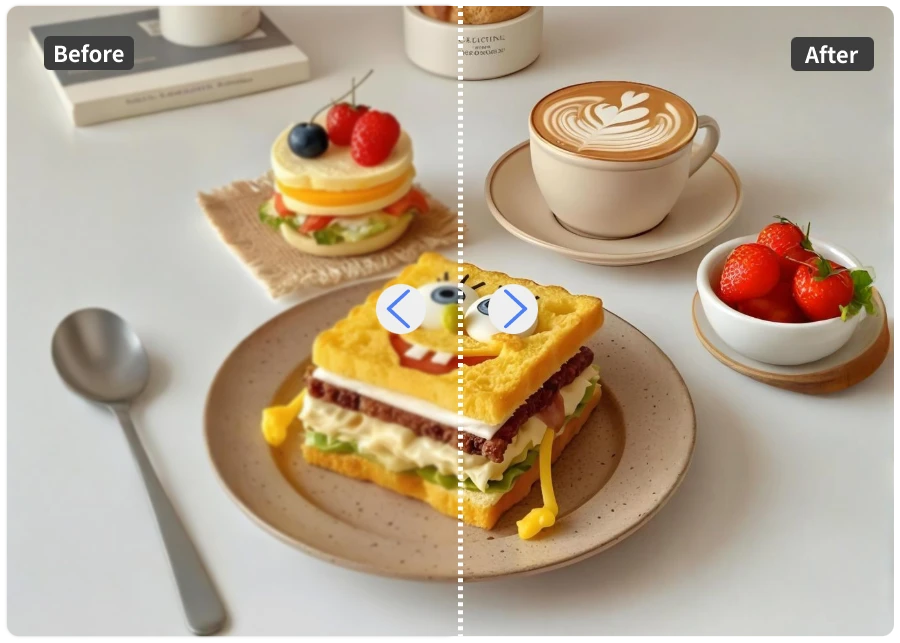
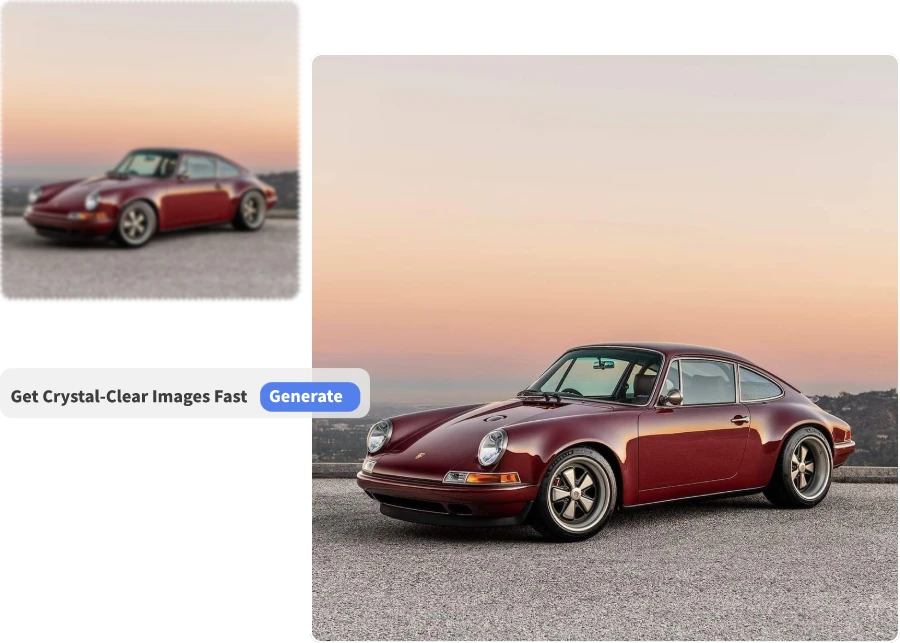
Clear Shots, Big Wins
In a world where first impressions matter, blurry images just won’t cut it. The AI Unblur Image tool ensures every shot you share—be it for business, dating profiles, or creative projects—comes out looking sharp and intentional. It’s like having a personal photo retoucher in your browser, ready to turn “meh” into “wow” in seconds. Because clear images don’t just look better, they open doors.
The Clear Choice for Fixing Blurry Photos
01
Lightning-Fast Fixes
Upload a blurry shot and watch it transform in seconds. Whether you’re rushing to post a trending moment or preparing a client presentation, speed is on your side.
02
Detail Restoration
AI dives deep into your photo to bring back lost textures, facial features, and crisp edges, so even an out-of-focus pet portrait feels alive again.
03
Works on Any Image
Selfies, landscapes, vintage scans, product shots—if it’s blurry, we can sharpen it. Perfect for travelers, online sellers, photographers, and casual users alike.
04
Professional-Grade Quality
The output is sharp enough for printing, advertising campaigns, and creative portfolios, so your work always looks intentional and high-end.
05
100% Online & Secure
No downloads, no risk. Process your images in-browser, with your files encrypted and deleted after editing for total peace of mind.
06
Perfect for Social Media
Stand out in crowded feeds with crystal-clear shots. Your Instagram posts look polished, your LinkedIn headshot looks professional, and your TikTok thumbnails pop.
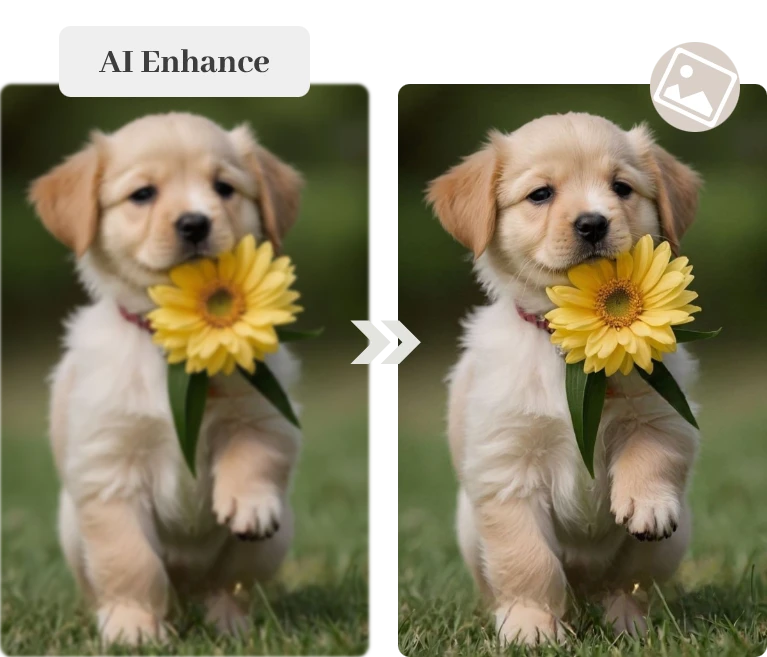
Everyday Moments Made Sharper with AI
Whether it’s personal memories or work projects, here’s where our AI Unblur Image truly shines.
What Our Customers Say
Real stories from people who turned blurry photos into crystal-clear keepsakes.
I thought my once-in-a-lifetime shot of the Northern Lights was ruined because my hands shook in the cold. The AI Unblur Image tool brought back every streak of green and purple—now it’s the highlight of my travel blog.
Aiko Tanaka
During a live event, I captured a celebrity guest walking on stage, but my camera settings were off. AI Unblur Image fixed it instantly, and the shot went viral on our social media page.”
Carlos Mendez
I used to avoid posting team photos from networking events because they looked rushed and blurry. Now, with AI Unblur Image, I can share them confidently—clear, professional, and perfect for LinkedIn updates.
David Chen
Frequently Asked Questions
How do I use the AI Unblur Image tool?
Using AI Unblur Image is simple. Just upload any photo that appears blurry—whether it’s a selfie, travel shot, or scanned old photo—and the AI will analyze the image, detect the blurred areas, and restore them to sharp, clear detail. No manual adjustments or editing experience is required.
What image formats are supported?
Our tool supports all common image formats including JPG, PNG, and HEIC. Whether your photo comes directly from your phone, digital camera, or scanned archives, AI Unblur Image can process it seamlessly.
How good is the quality after unblurring?
Restored images are crisp and detailed, often appearing like the photo was taken perfectly in the first place. Fine textures, facial features, and edges are recovered realistically, making your images ready for social media, printing, or professional portfolios.
Can I unblur multiple images at once?
Processing is usually complete within a few seconds. Larger or highly complex images may take a little longer, but the AI is optimized for speed, so you get near-instant results without compromising on quality.
Will the restored images have a watermark?
No. All output images are watermark-free. You can freely download, share, or use them for professional purposes without any restrictions or visible branding.
Are my photos stored during processing?
Your privacy is our priority. Images are processed securely in the browser or on our servers, and they are not stored, shared, or used for any other purposes. Once the process is complete, your photo is deleted from our system.
Is there a free trial available?
Yes. You can try AI Unblur Image for free to experience its powerful restoration capabilities. The free trial lets you test the tool on your favorite images and see firsthand how blurry photos can be transformed into sharp, professional-quality pictures.

ImageMover.ai
Bring Your Blurry Photos Back to Life
Say goodbye to fuzzy memories and hello to crystal-clear images. With AI Unblur Image, every photo—from cherished moments to everyday snaps—can shine with sharp, professional-quality detail in just a few clicks.