
Step 1.Upload the Moment
Start with any photo—portrait, landscape, product, or even a doodle. This is the raw frame, the frozen instant, the seed of motion your journey begins with.
Powered by next-gen technology, our AI turns static images into lifelike motion and creates dynamic videos effortlessly.
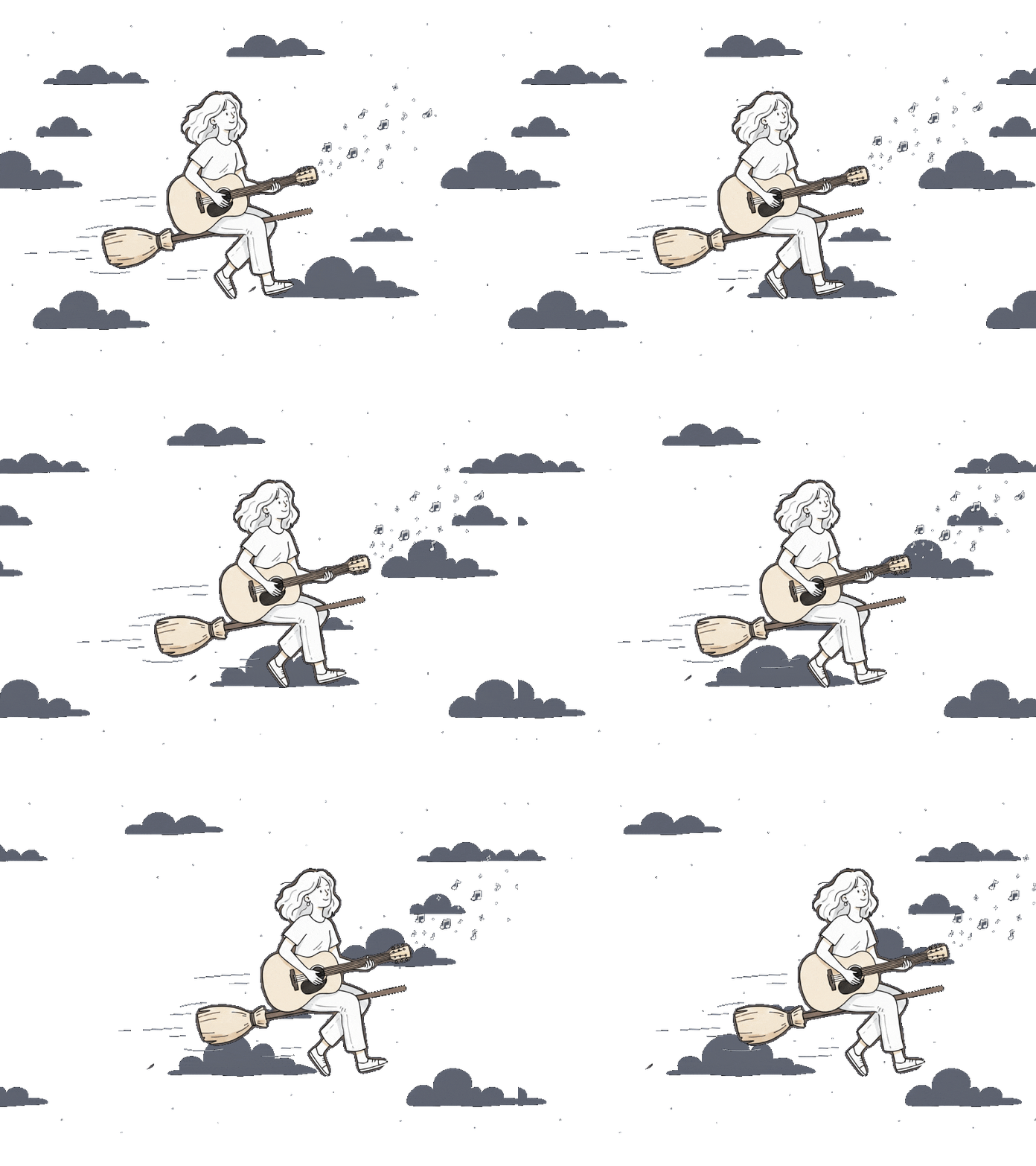
Picture stuck in silence? Our image to video AI free flips the switch—turning snapshots into smooth, flowing clips. One upload, one click, endless motion. 👇
Start with any photo—portrait, landscape, product, or even a doodle. This is the raw frame, the frozen instant, the seed of motion your journey begins with.

Choose from multiple styles, pacing, and moods. Whether you want a subtle cinematic drift, a bold dynamic sweep, or lifelike natural flow, this step lets you decide how your image should move and feel.

Hit generate, and watch as the image to video AI breathes motion into your still frame. In seconds, you’ll have a high-quality video that feels less like a file—and more like a living memory, ready to share anywhere.
Take control of how your animation begins and ends with our image to video AI free tool. By customizing the start and end frames, you can guide the AI to create smoother transitions and more natural motion. Whether you’re telling a visual story or adding subtle movement, this AI image to video generator free gives your images motion with intention.
Try image to video AI free Now
Create videos you can use anywhere without distractions. Our free image to video AI lets you download generated videos without watermarks, making them ready for social media, marketing, or creative projects. Your visuals stay clean, professional, and focused on what matters most—your content.
Try image to video AI free Now
Your content stays protected while you create. Our image to video AI free processes images securely, so you can generate videos without worrying about your uploads being publicly stored or misused. It’s powerful AI image to video generator free technology built with privacy in mind.
Try image to video AI free Now
Try image to video AI for quick, stunning motion clips.Log in, upload your photo, and watch it transform into video magic!
Our image to video AI free tool turns still photos into fluid motion clips, adding natural movement that makes images feel alive and engaging.
Customize motion style or frame flow to guide how the animation unfolds, helping you create more purposeful and expressive visuals.
Videos are generated with clear visuals and preserved image detail, so your content stays sharp and professional even after animation.
Upload common formats like JPG, PNG, or JPEG and quickly convert them into shareable video clips using our best image to video AI workflow.
Download clean videos ready for social media, presentations, or marketing—no distracting logos covering your final content.
Upload an image and generate a short video in seconds. This ai image to video generator free is designed for quick creation without complicated editing.
Transform old photo albums into moving clips that let you relive the warmth of birthdays, holidays, and everyday smiles.
Turn static travel shots into cinematic journey recaps, making your trips feel like movie trailers worth sharing.
Create dynamic posts that grab attention instantly—perfect for influencers, creators, or anyone tired of flat feeds.
Bring products to life by turning still photos into interactive, dynamic videos that highlight every detail.
Add motion to memoirs, creative projects, or passion pieces, giving each image its own narrative voice.
Experiment with visual styles, motion flows, and creative ideas—perfect for designers, dreamers, and innovators.

With image to video AI free, one click is all it takes to watch them flow, shine, and come alive.
After visiting Iceland, I only had a few still photos from the glacier lagoon. I used this tool to animate them into a short video reel, and it got nearly three times more engagement than my usual photo posts.
 Marcus Bennett
As a teacher, I turned classroom photos into quick motion videos for parent updates. It’s simple, professional, and parents love seeing their kids’ activities in a more lively way.
 Sophia Martinez
I tested adding a short AI-generated video instead of a static image in one blog article. Readers stayed longer on the page, and the post received noticeably more shares.
 Oliver Scott
You can upload JPG, PNG, or HEIC files . We also accept high-resolution files so your video output stays sharp and smooth.
The AI image to video generator free supports common formats such as JPG, PNG, and JPEG. These formats ensure easy uploads and compatibility with most devices .
All videos generated by the free image to video AI are exported in MP4 format, making them easy to share across social media, websites, and presentations without compatibility issues.
Yes. Our image to video feature supports custom start and end frames, allowing you to control how the motion begins and ends in your generated video.
Your images and videos are processed securely and not used for training. All outputs belong to you — we don’t claim ownership.
Yes — it’s web-based and works on modern browsers (Chrome, Firefox, Safari, Edge). No installation needed.
Content creators, marketers, designers, educators, and social media users can all benefit from using image to video AI free tools to create engaging visual content quickly.
ImageMover.ai
Image to video AI free makes the leap from static to cinematic effortless. Whether for fun, work, or art, your images are ready to move—and ready to move people.
Try image to video AI free Now