Free Photo to Video AI Generator

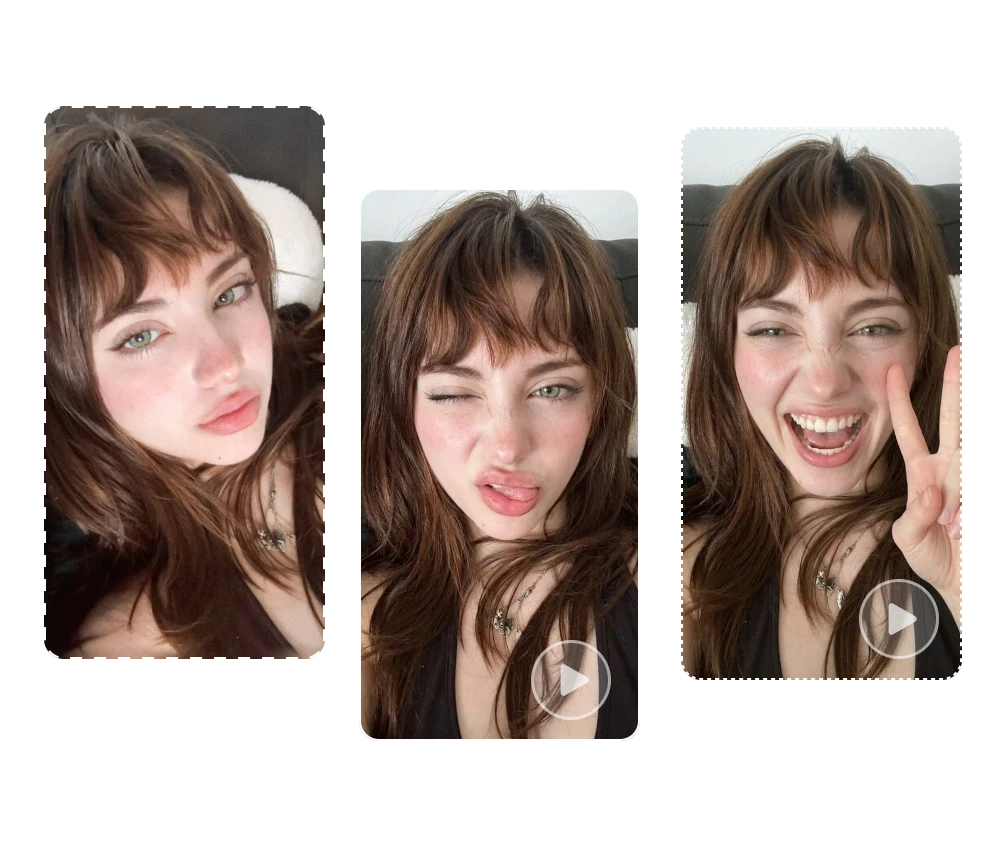
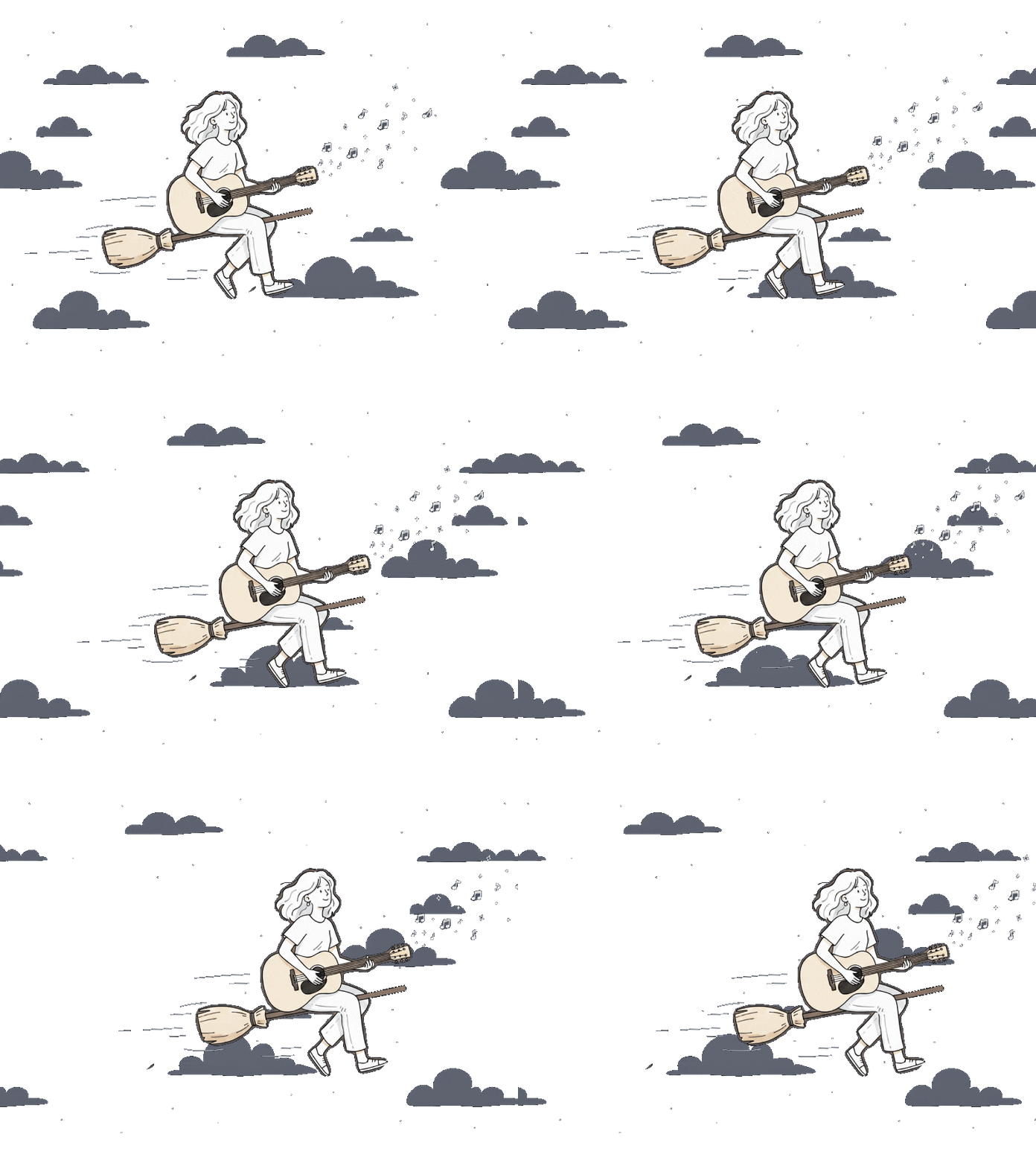
Turn a single photo into a realistic AI video with natural motion, cinematic camera effects, and customizable prompts. Upload your image, describe the motion you want, and generate a video in minutes. ImageMover is made for creators, marketers, ecommerce sellers, businesses, social media users, and anyone who wants to bring still images to life.
Free Photo to Video AI Generator
loading


Photo to Video AI Examples and Results

How to Convert Photos to Videos with AI for Free

Bring your photos to life with a free photo to video AI generator. Follow three simple steps to turn your images into engaging videos with ease.

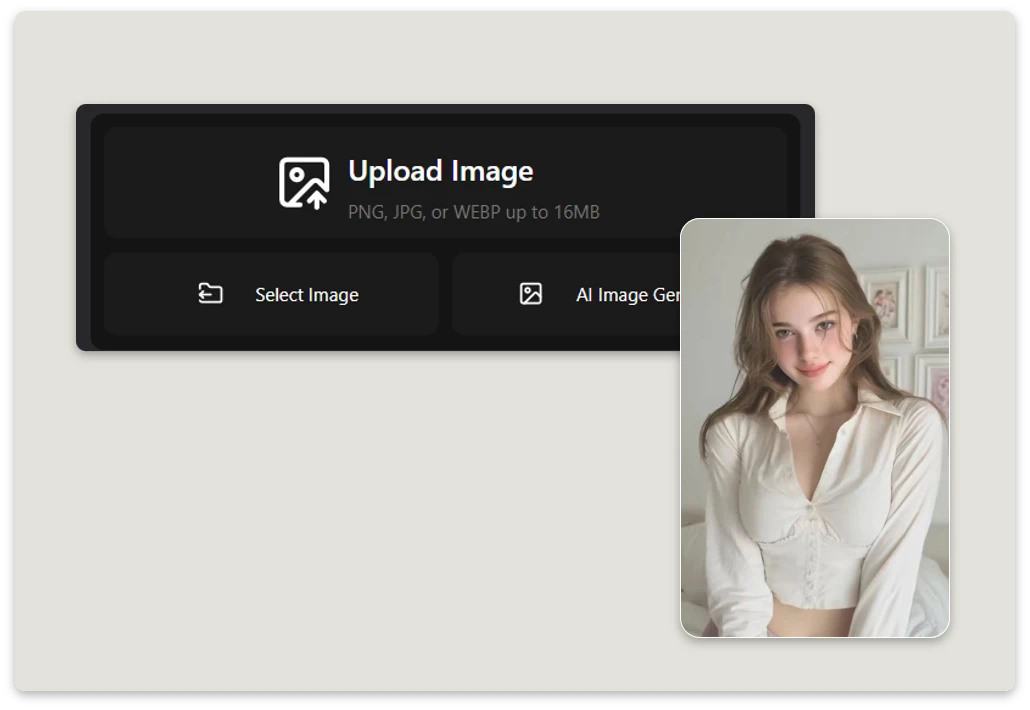
Step 1.Upload Your Photos

Step 1: Upload Your Photos

Start by selecting the photo you want to transform. For the best results, choose a clear, high-quality photo and upload it to our free AI photo to video tool.

Add a Motion Prompt

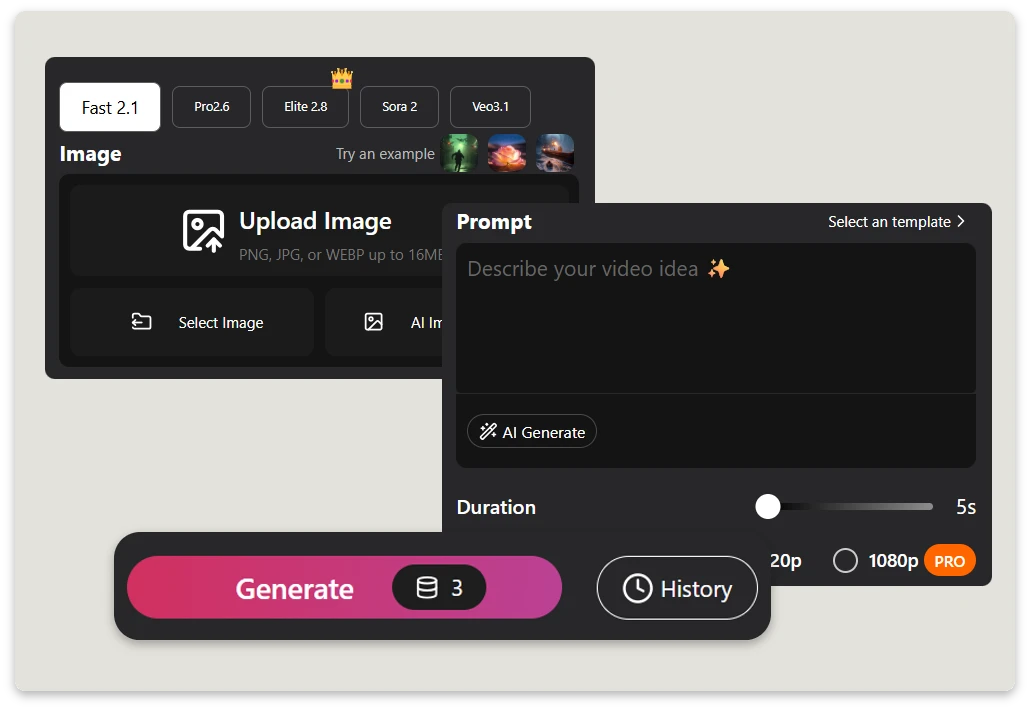
Step 2: Add a Motion Prompt

Describe the motion, camera movement, or visual effects you want to create with a simple text prompt. Customize the animation to match your creative style and desired result.

Generate and Share

Step 3: Generate and Share

Click the Generate button and let AI turn your photo into a video in seconds. Preview the result, download your video, and share it on social media or other platforms.

Why Choose Our Free AI Photo to Video Generator?

Ready to bring your photos to life? Here’s why our AI photo to video generator makes video creation simple and accessible.

HD Video Quality

Create HD videos with clear details and smooth motion. Export your AI-generated videos for social media, marketing campaigns, creative projects, and more.

Fast AI Video Generation

Generate AI photo animations in seconds without complicated editing software or advanced video-editing skills. Simply upload an image and let AI create smooth motion automatically.

Multiple AI Video Models

Choose from multiple AI video models based on your creative needs. ImageMover supports Fast 2.1, Pro 2.6, Elite 2.8, Sora 2, and Veo 3.1, allowing you to select different generation options for turning photos into AI videos.

AI-Generated Sound Effects

Add AI-generated sound effects to supported videos to complement the visual animation. Audio can make creative clips, social posts, and storytelling projects feel more complete while keeping the workflow focused on your original image.

Start and End Frame Control

For supported options, provide a starting image and an ending frame to give the model additional visual guidance. This helps you create more controlled transitions and define how the generated motion develops from the beginning of the video to the end.

Common Image Format Support

Upload JPG, JPEG, PNG, or WEBP files up to 16MB. Whether you are animating a portrait, product photo, travel image, illustration, or AI-created artwork, you can start with familiar image formats without special file preparation.

What Can You Create with Photo to Video AI?

Social Media Videos

Animate Portraits and Profile Photos with AI

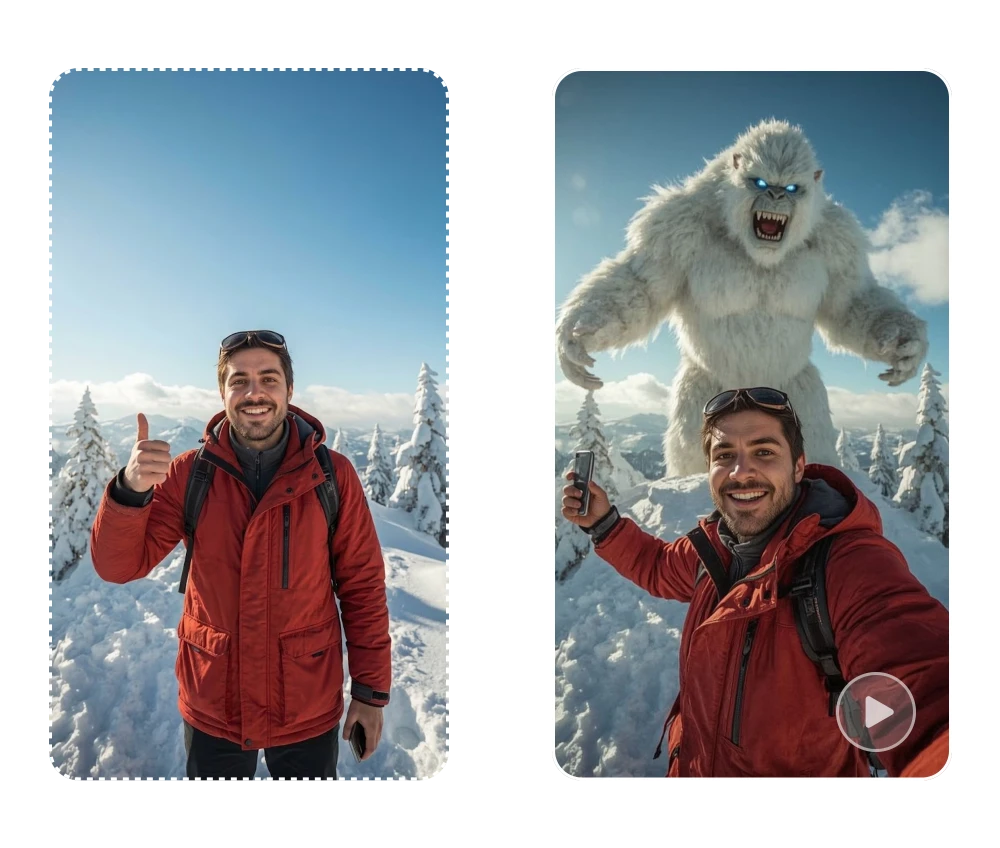
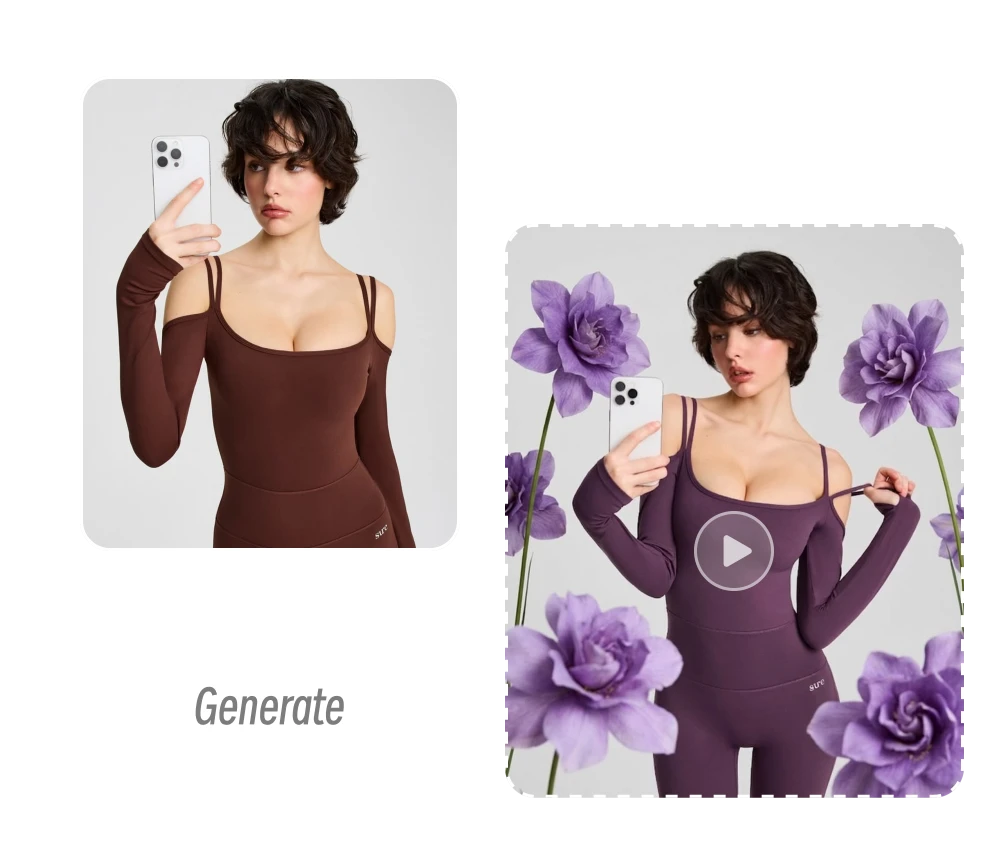
Turn static photos into short videos for TikTok, Instagram Reels, YouTube Shorts, and other social platforms. Add camera movement, subject motion, or environmental effects without editing a full video from scratch. For creators who want to turn a photo into a video with AI, this is a practical way to reuse existing visual content.

Create Product Videos from Photos

Turn product photos into polished videos for ecommerce listings, product launches, social ads, and marketing campaigns. With photo to video AI, add realistic product rotation, camera movement, close-up shots, or lighting effects to make static images more engaging. Simply describe the desired motion in a prompt and let an AI photo to video generator create a promotional clip from your existing product photography—without a new photoshoot or complex video editing.

Create Product Videos from Photos
Animate AI Art for Creative Storytelling

Animate AI Art for Creative Storytelling

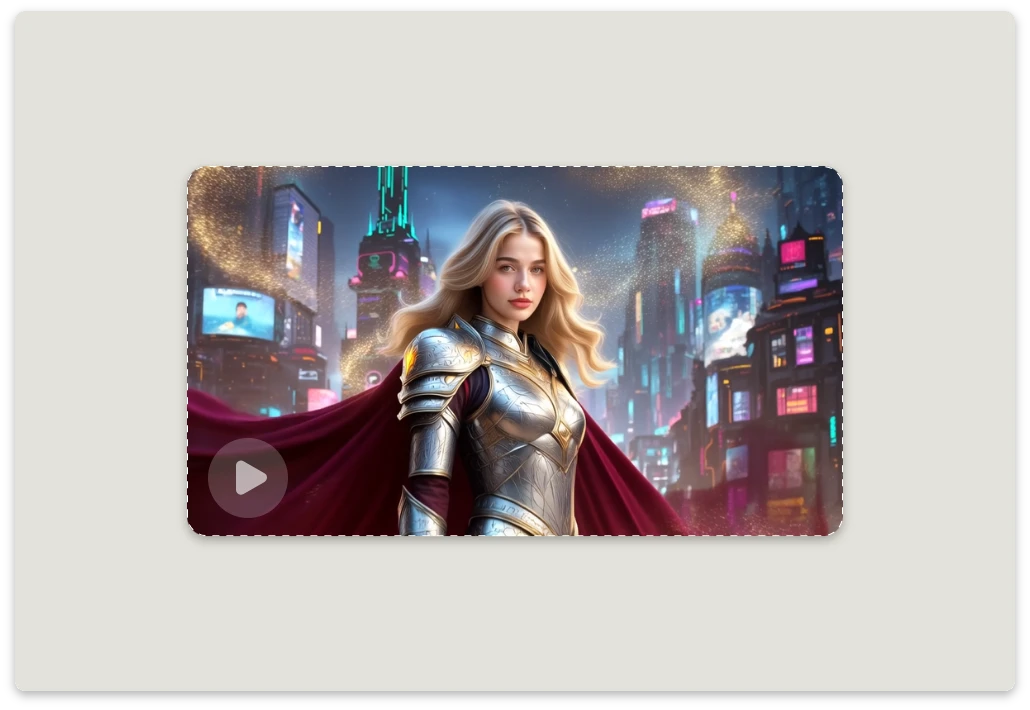
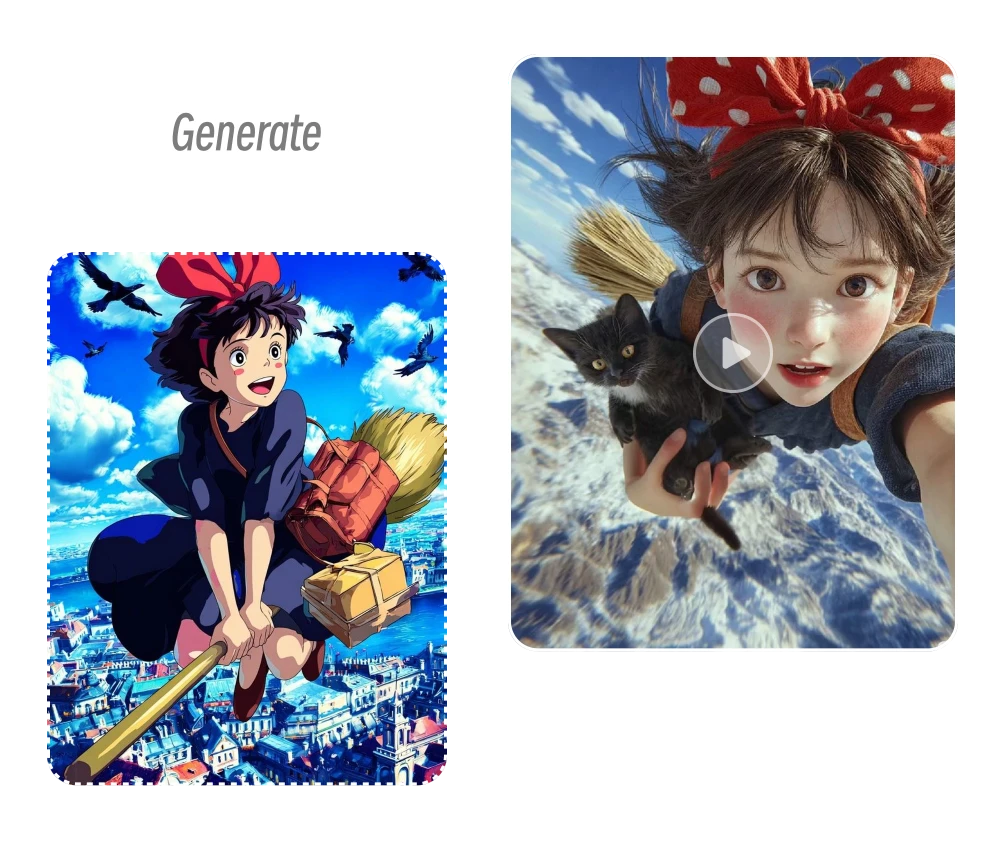
Use photo to video AI to animate illustrations, anime artwork, fantasy scenes, concept art, and other creative images. An AI photo to video generator can help artists and storytellers describe character actions, camera movement, atmosphere, lighting, and environmental details to develop short visual sequences. Whether you want to create portfolio content, test a story concept, animate artwork for social media, or explore a cinematic idea, AI photo animation provides a flexible way to develop motion from a single image.

Give Old Photos a New Life

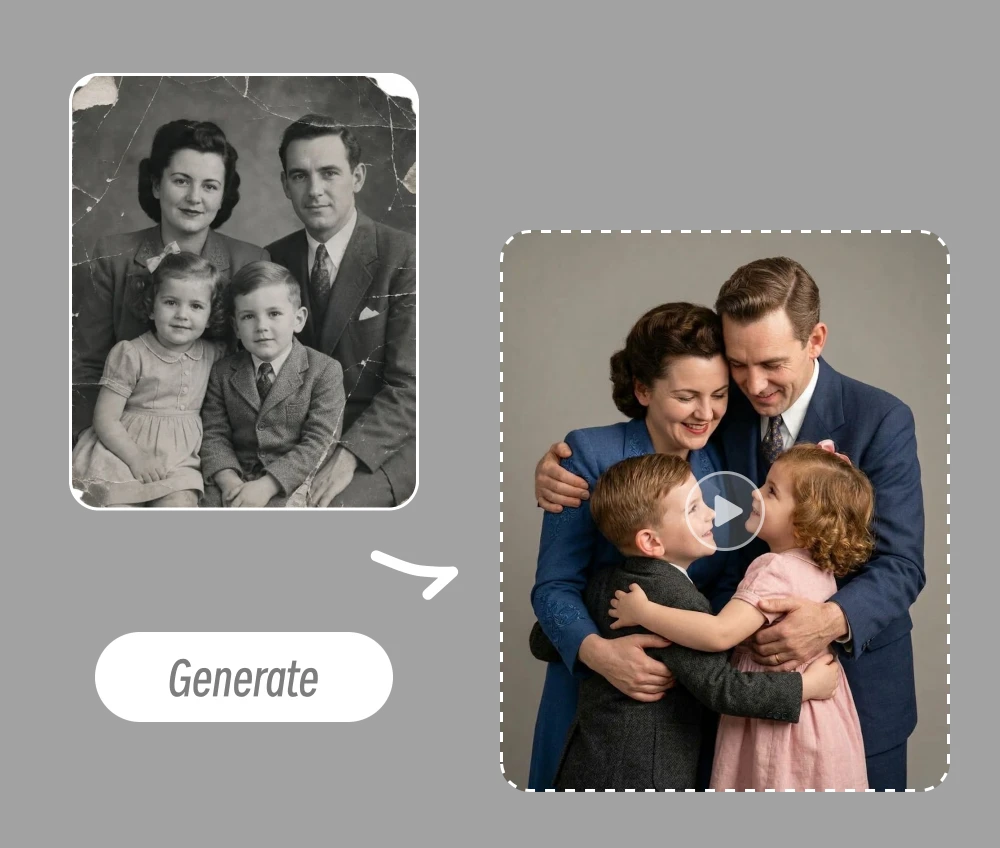
Old family photos hold stories that deserve to be revisited. This makes it easy to animate a photo with AI and add subtle movement and camera effects to vintage portraits and archived pictures. Preserve the character of the original image while creating a short, modern video that brings familiar memories to life in a new way.

Give Old Photos a New Life

What Creators Say About Our Free AI Photo to Video Generator
What Creators Say About Our Online Photo to Video AI Tool

Don’t just listen to us, hear from the folks who turned their photos into show-stopping videos!

★★★★★

Honestly, I made a TikTok video in under five minutes from just a photo. It looked so good that people asked what tool I used. This is my new go-to tool for quick social content.

James M.

James M.

★★★★★

I’ve traveled to 15 countries, and this is the first time my photos actually feel like they tell a story. The AI pulled it all together with music and pacing that matched the vibe of each place.

Social media

Daniel K.

★★★★★

I’m a small business owner, and I used this to turn product photos into a short promo for Instagram. It looks polished and cost me nothing but a few clicks. Highly recommend!

Social media avatar

Alex P.

ImageMover

ImageMover.ai

Get Started with Photo to Video AI Today!

Start creating with photo to video AI in ImageMover. Upload an image, describe the motion you want, choose your preferred model and output settings, and create an AI video for your next creative, social, or marketing project.