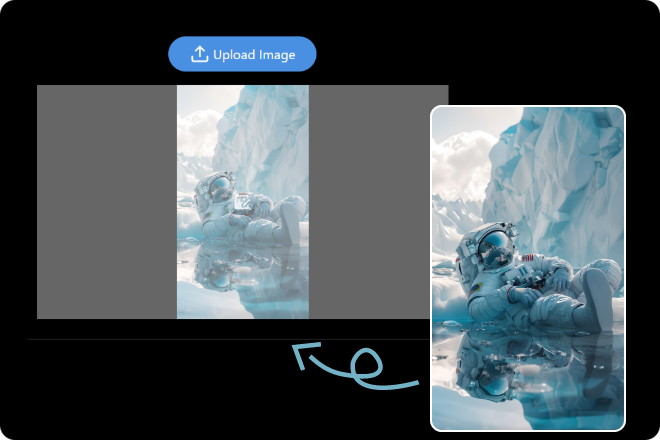
Step 1. Upload an Image
Choose any photo you want to crop — portraits, products, or anything else.
Ever wanted the perfect crop without lifting a finger? With our AI Crop Image tool, it’s effortless. Upload your photo, let the AI find the focus, and get a clean, pro-level crop in seconds. 100% free, crisp results, ready to share.
Crop My Image Now!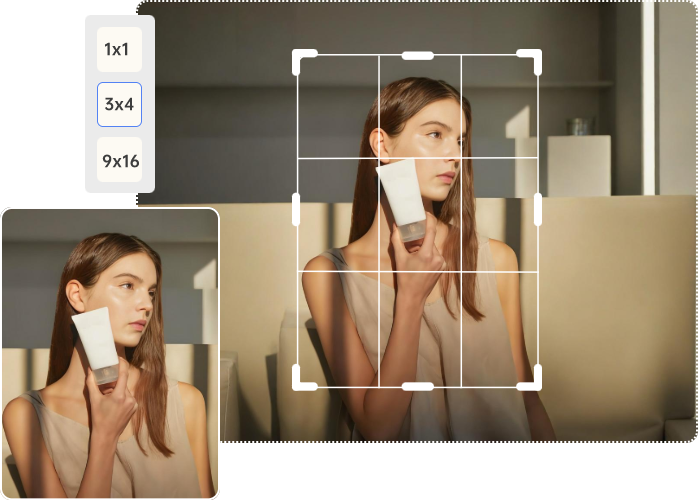
No editing experience? No worries. Just upload your image, let our AI Crop Image feature do the magic, and boom — your subject is cleanly cropped. 👇
Choose any photo you want to crop — portraits, products, or anything else.
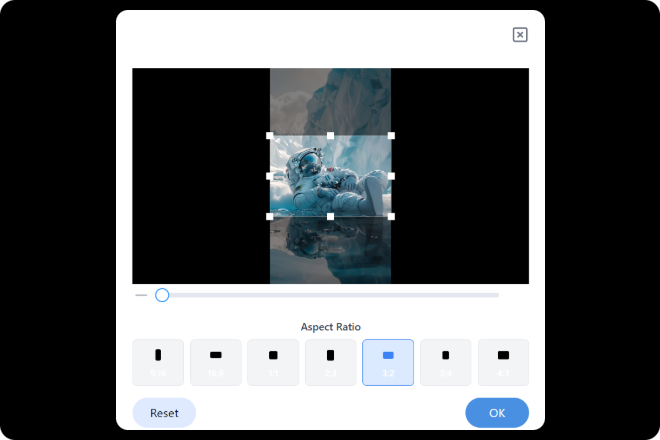
Our smart tool automatically detects the subject and crops it with precision in seconds.

Save your perfectly cropped image in high quality, ready for any project or platform.
With ImageMover’s AI Crop Image tool, getting the perfect frame has never been easier. Instantly remove unwanted edges, focus on what matters, and bring balance to your visuals—whether it’s a portrait, product shot, or scenic view. This smart cropper helps refine composition while preserving key details, making it ideal for photographers, designers, marketers, and everyday creators. Clean, polished, and ready for any platform—your images, now professionally cropped in seconds.
Crop My Image Now!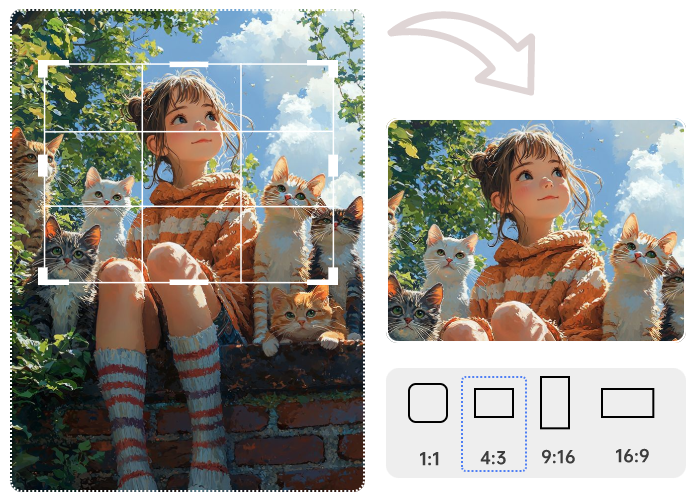
Took a great photo—but that weird sign or messy corner is ruining it? No worries. With ImageMover’s AI Crop Image tool, you can instantly cut out distractions and frame your subject just right. Whether you’re cleaning up vacation pics, product shots, or your next profile photo, smart cropping helps your visuals look cleaner, sharper, and more focused. Want to go a step further? Pair it with our AI editor to tweak brightness, contrast, or remove backgrounds entirely. In just a few clicks, your image goes from “meh” to masterpiece.
Crop My Image Now!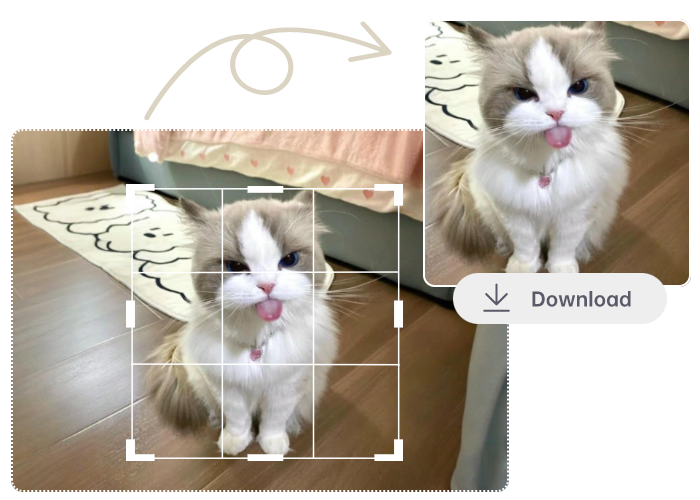
Tired of your photos getting awkwardly cropped on Instagram or Facebook? With ImageMover’s AI Crop Image tool, your content always fits just right—no guessing, no manual resizing. Pick from ready-to-go aspect ratios like 1:1 for posts or 9:16 for stories. Whether you’re posting on Pinterest, TikTok, or anywhere in between, our smart cropper keeps your visuals sharp, centered, and scroll-stopping. Want more polish? Combine it with our editing tools to tweak brightness, color, and more. Because every post deserves to look its best.
Crop My Image Now!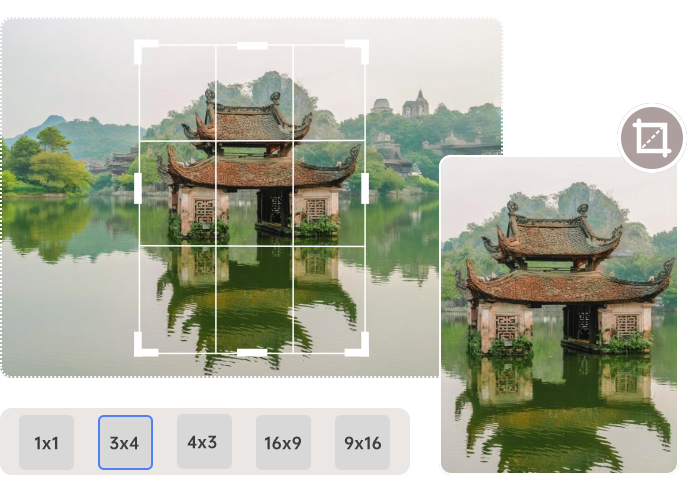
Remove distractions from scenic shots and keep the composition centered on the subject or landscape.
Focus on the item by cropping out messy backgrounds, ensuring clean, pro-level visuals for eCommerce listings.
Crop your selfies or professional headshots for profile use on CVs, websites, or social platforms like LinkedIn.
Resize and crop images for Instagram posts, Reels, Facebook covers, Pinterest pins, or LinkedIn banners with perfect aspect ratios.
Prepare neatly cropped images for posters, thumbnails, flyers, and digital banners with layout precision.
Align visuals with ad specs by cropping for platforms like Meta Ads, Google Display, or YouTube thumbnails.
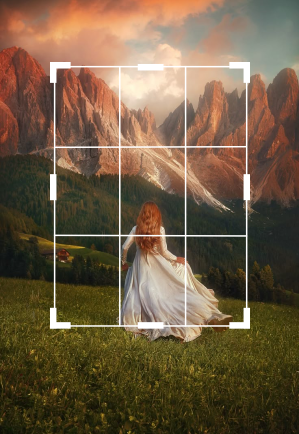
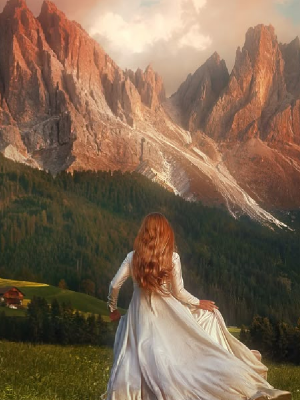
Why settle for cluttered corners when you can frame it just right? It’s fast, clean, and gives your photos that polished, pro-level pop, no effort required.
See how creators are sharpening their visuals with AI Crop Image. From cleaner compositions to scroll-stopping social posts, their cropped creations say it all.
I sell handmade candles on Etsy, and the AI Crop Image tool helped me instantly remove messy backgrounds and center the product perfectly. No more fiddling with editing apps—now all my listings look clean and consistent.
 Jordan Smith
I manage multiple accounts and often need to crop images into different aspect ratios. This tool’s preset options (1:1, 9:16, etc.) are a lifesaver. Plus, it keeps the focus right where I want it without ruining the composition.
 Taylor Johnson
I used the AI Crop Image feature to clean up photos for my daughter’s science fair project. It made the posters look so much more professional. We didn’t need any fancy software—just a few clicks and done.
 Casey Williams
It’s a smart image cropping tool that uses AI to automatically frame your subject, remove unwanted edges, and deliver clean, well-composed visuals.
Simply upload your image, select an aspect ratio or use auto-crop, and let the AI refine the composition. You can preview and download instantly.
Yes! You can crop images for free without leaving watermarks, and the output is high-definition images.
No, but you can pair it with our AI Background Remover for a clean, studio-like finish after cropping.
Yes! Whether it’s portraits, landscapes, product shots, or even pet photos—our AI can intelligently crop them all.

ImageMover.ai
With ImageMover’s AI Crop Image tool, one photo and one click are all you need to cut the clutter and spotlight what matters. Ready to crop like a pro?
Crop My Image Now!